Depositing Cryptocurrency into Your PrimeXBT Account
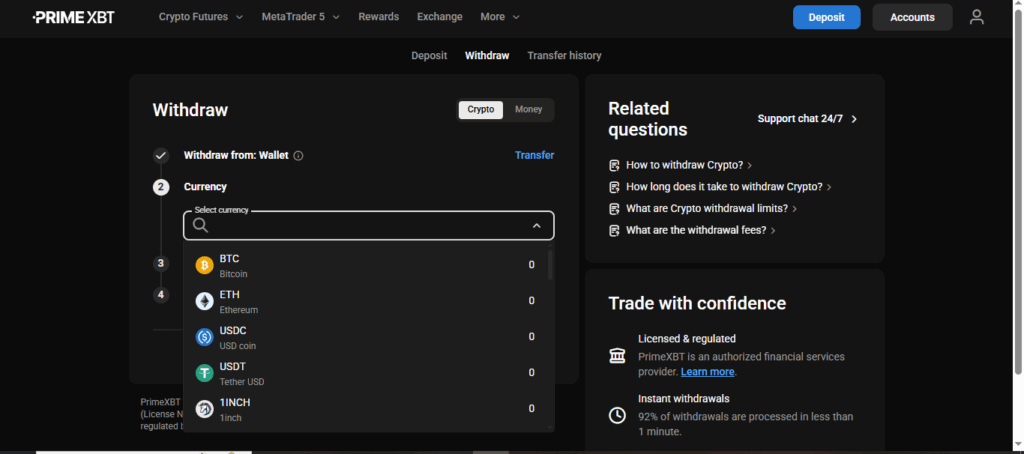
Funding your PrimeXBT account is fast, secure, and easy. We support multiple cryptocurrencies, including Bitcoin (BTC), Ethereum (ETH), USD Coin (USDC), and Tether (USDT).
Where to Deposit: Wallets & Trading Accounts
You can choose to deposit funds either into your wallet or directly into one of your trading accounts (PXTrader, MT5, or Crypto Futures), depending on your preferences.
PXTrader Accounts: Accept deposits in USDT and USDC.
Crypto Futures Accounts: Support deposits in USDT, BTC, ETH, and USDC.
MT5 Accounts: Only accept USDT deposits.
Other Cryptocurrencies: Can be deposited to your PrimeXBT wallet only.
Regional Availability
Deposit options may vary depending on your region.
For the most accurate and up-to-date list of supported deposit currencies, please visit the Accounts page.
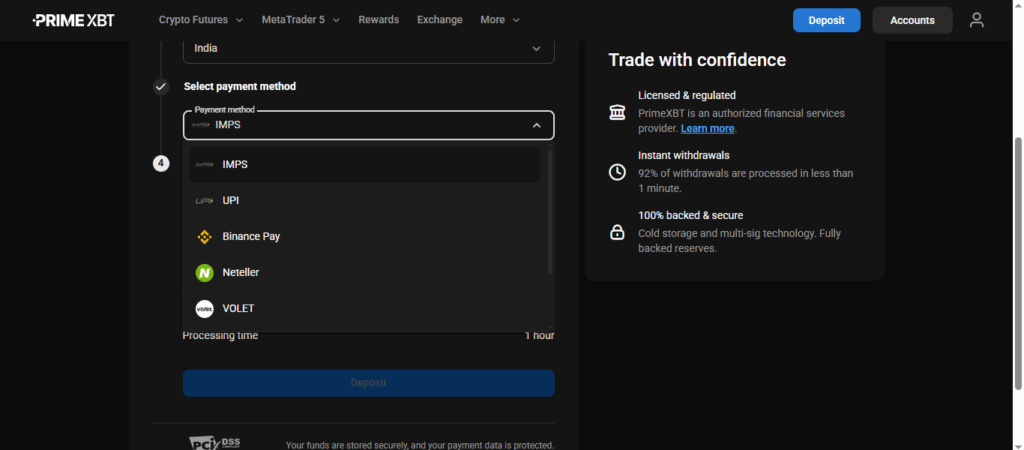
In the list of deposit methods, click “Bank transfer”.
How to Complete a Domestic Bank Transfer Deposit
Enter the destination account and your deposit amount, then click “Continue.”
Review your deposit details carefully, and click “OK” to confirm.
After reading the bank transfer instructions, check “Continue Payment” and click “Checkout.”
Your deposit will be marked as complete once the funds are successfully transferred to the displayed bank account within the specified time frame.
Important: Always include your Transfer ID at the beginning of the transfer reference/name to avoid delays.
How to Deposit Funds Using a Credit or Debit Card
Log in to your PrimeXBT account.
Navigate to the “Deposit” section from the main dashboard or left-hand menu.
From the list of available deposit options, select “Bank Card” (credit or debit).
Follow the on-screen prompts to enter your card details and complete the transaction securely.
Enter your credit or debit card details, specify the “Transfer to Account” and the “Deposit Amount,” then click “Continue” to proceed.
Review your entered details carefully, then click “OK” to proceed.
You’ll then be prompted to enter the authentication code (e.g., OTP) provided by your card issuer to complete the deposit securely.
How to Deposit Cryptocurrency on PrimeXBT
1. Start the Deposit Process
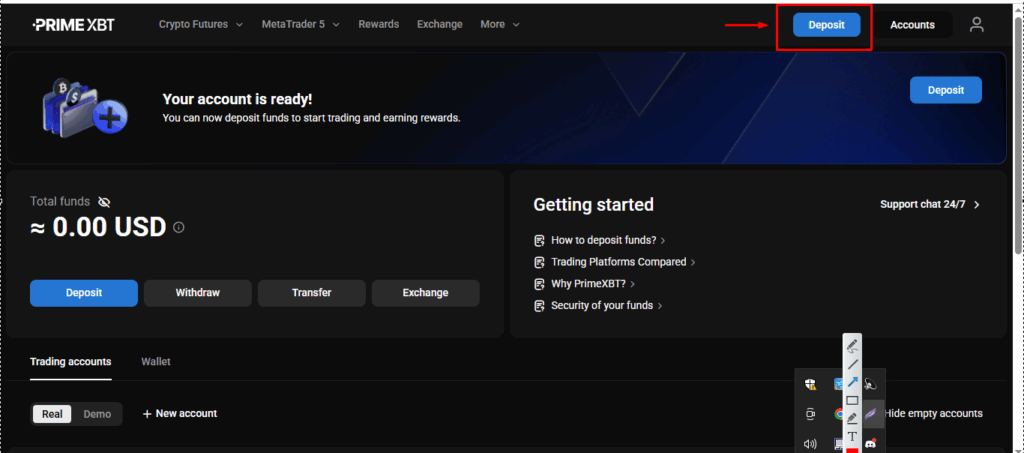
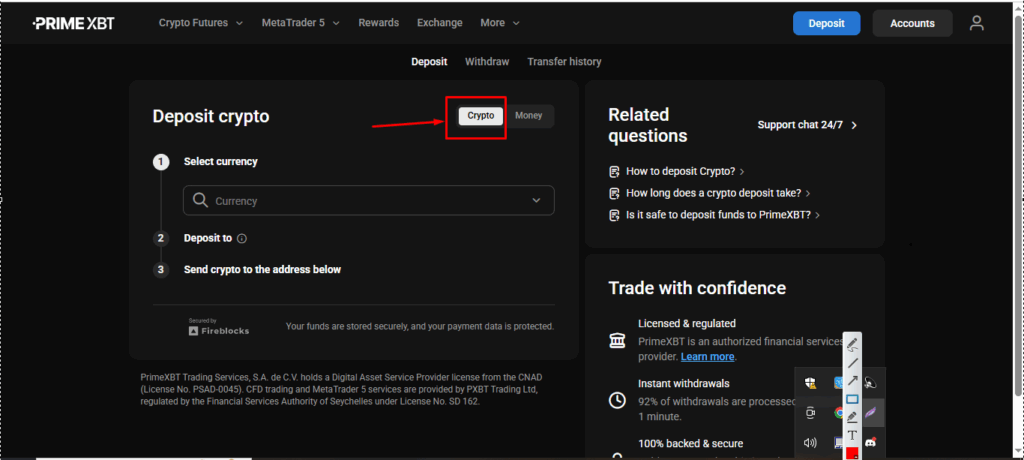
Click on any “Deposit” button located at the top-right corner of the platform.
Select the “Deposit Crypto” option to begin.
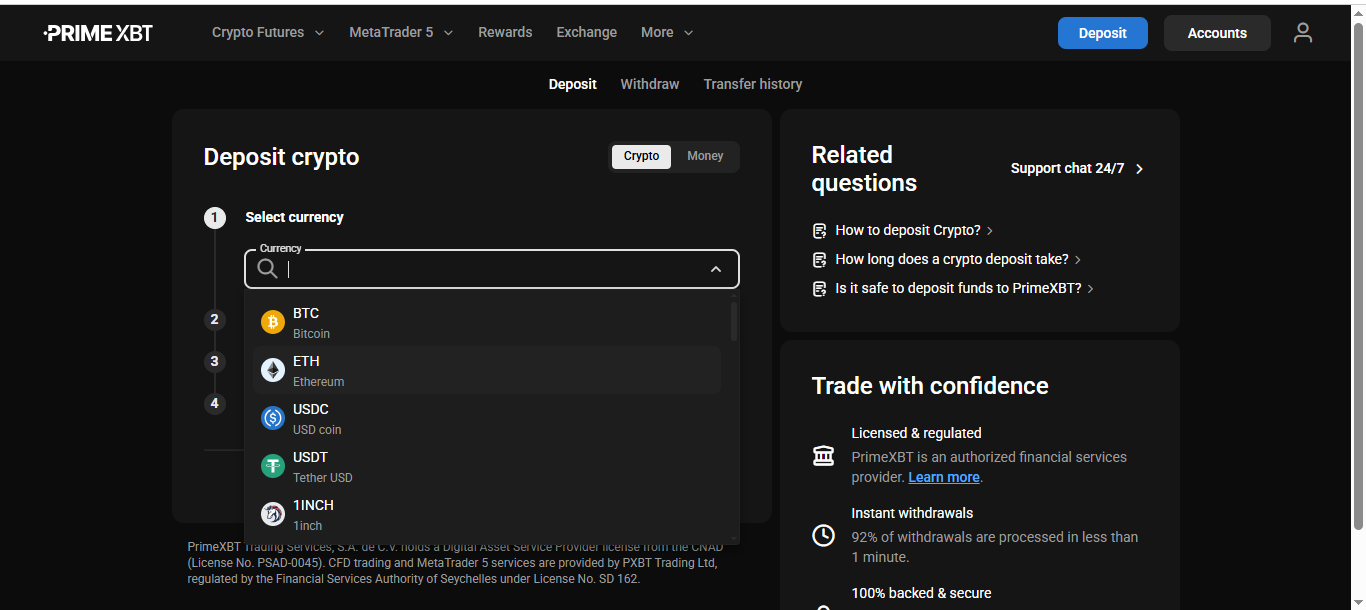
2. Choose Your Cryptocurrency
From the list of supported cryptocurrencies, select the one you’d like to deposit (e.g., BTC, ETH, USDT, USDC).
3. Select Your Destination
Choose where you want the funds to be credited:
PrimeXBT Wallet – Ideal for storing and managing your crypto.
Trading Account – Fund accounts like PXTrader, MT5, or Crypto Futures using supported currencies.
4. Get Your Deposit Address
You’ll have two convenient options to transfer funds:
Copy and Paste your unique deposit address into your external wallet.
Scan the QR Code using your personal crypto wallet app for quick transfer.
5. Confirmation
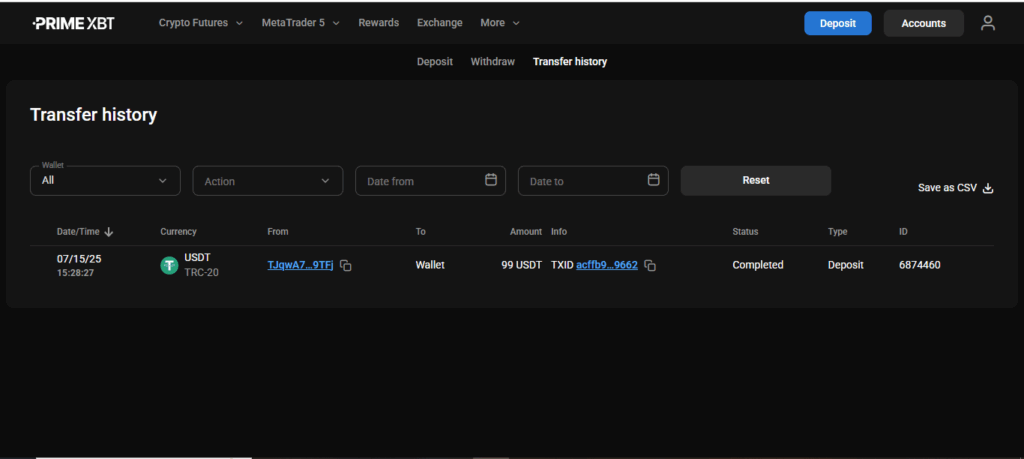
Once your transaction is confirmed on the blockchain, funds will appear in your selected wallet or trading account—usually within minutes—so you can start trading right away.
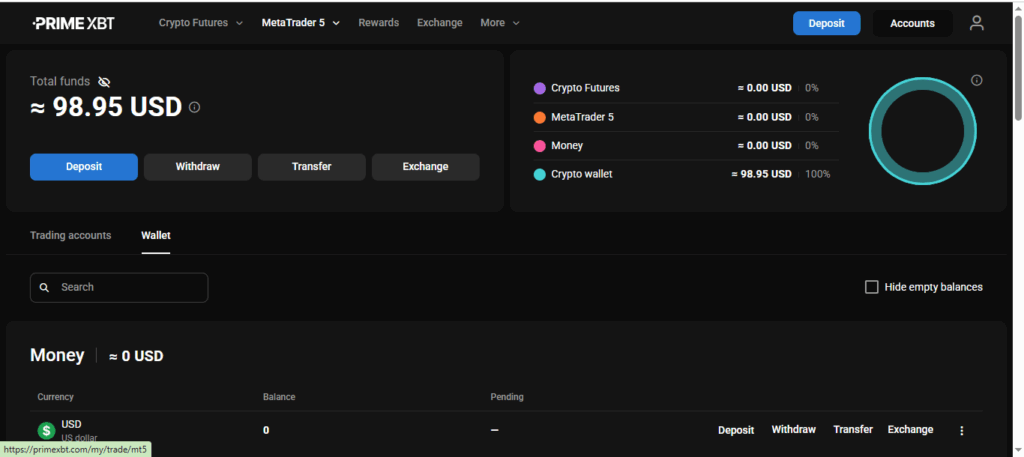
Additional Deposit Options
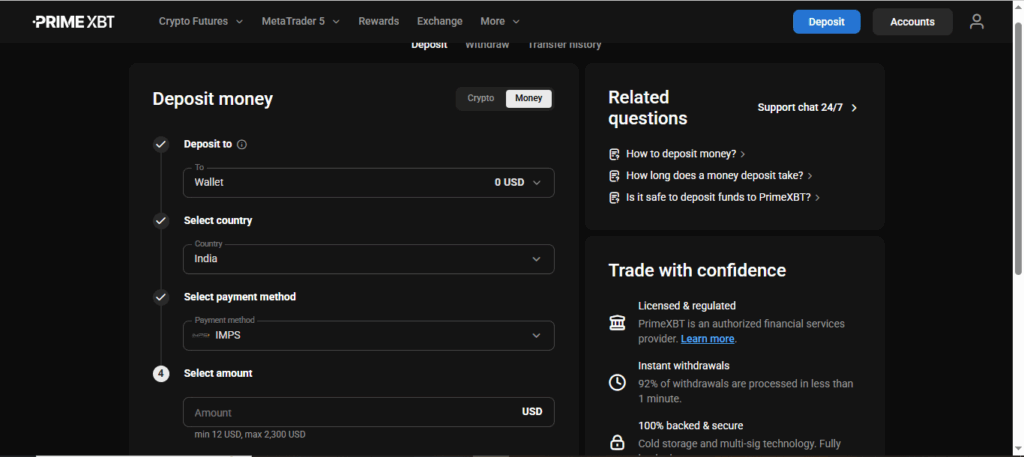
Along with cryptocurrency deposits, PrimeXBT also supports fiat deposits, offering greater flexibility for users.
You can fund your account using traditional payment methods that suit your preferences—making it easier than ever to start trading.
Confirm the content and click “OK”.
You will be redirected to the STICPAY payment screen, please login to your account.