Entering Basic Information
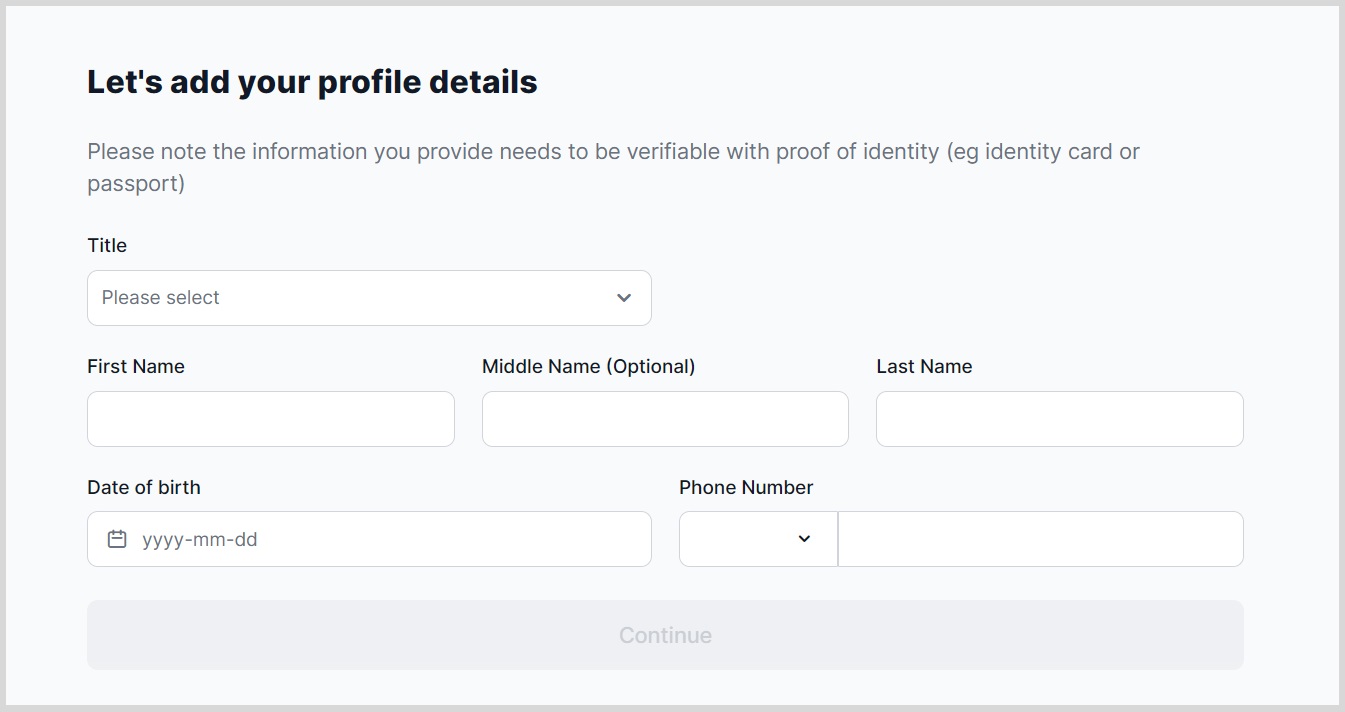
Please enter your personal information on the following screen.
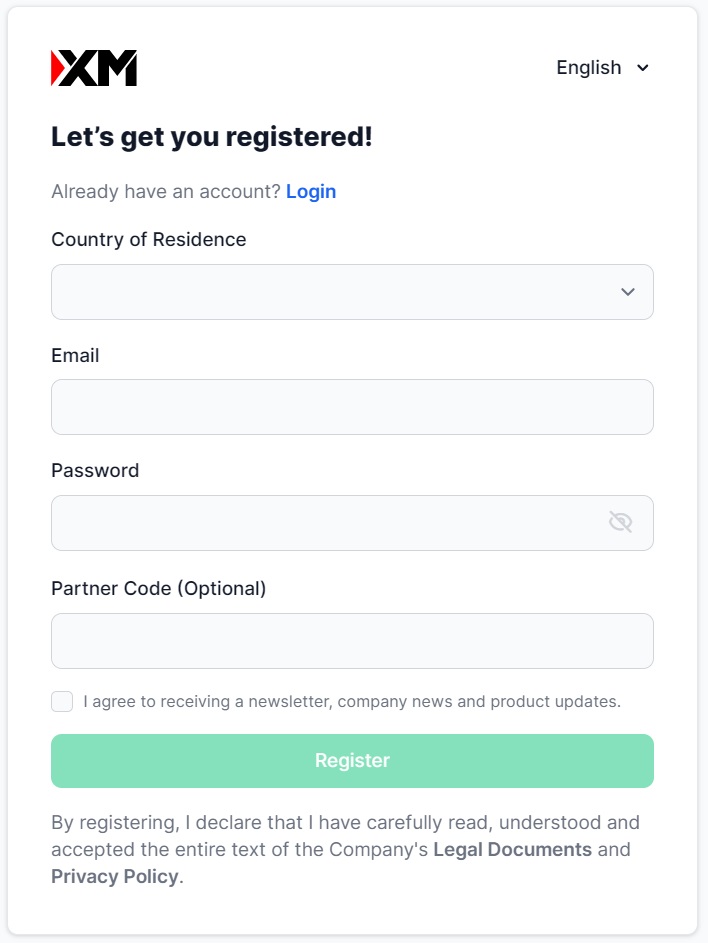
In this step, you’ll be asked to select the following options:
-
Organization Name
-
Trading Platform Type
-
Account Type
You can choose between:
-
Tradexfin Limited – Authorized and regulated by the Financial Services Authority (FSA)
-
Fintrade Limited – Authorized and regulated by the Financial Services Commission (FSC)
Note: Both options offer the same account specifications, so your choice will not affect trading features or functionality.
If you would like to receive e-newsletters, updates, and company news, tick the subscription checkbox before clicking ‘Go to Step 2’ to continue.
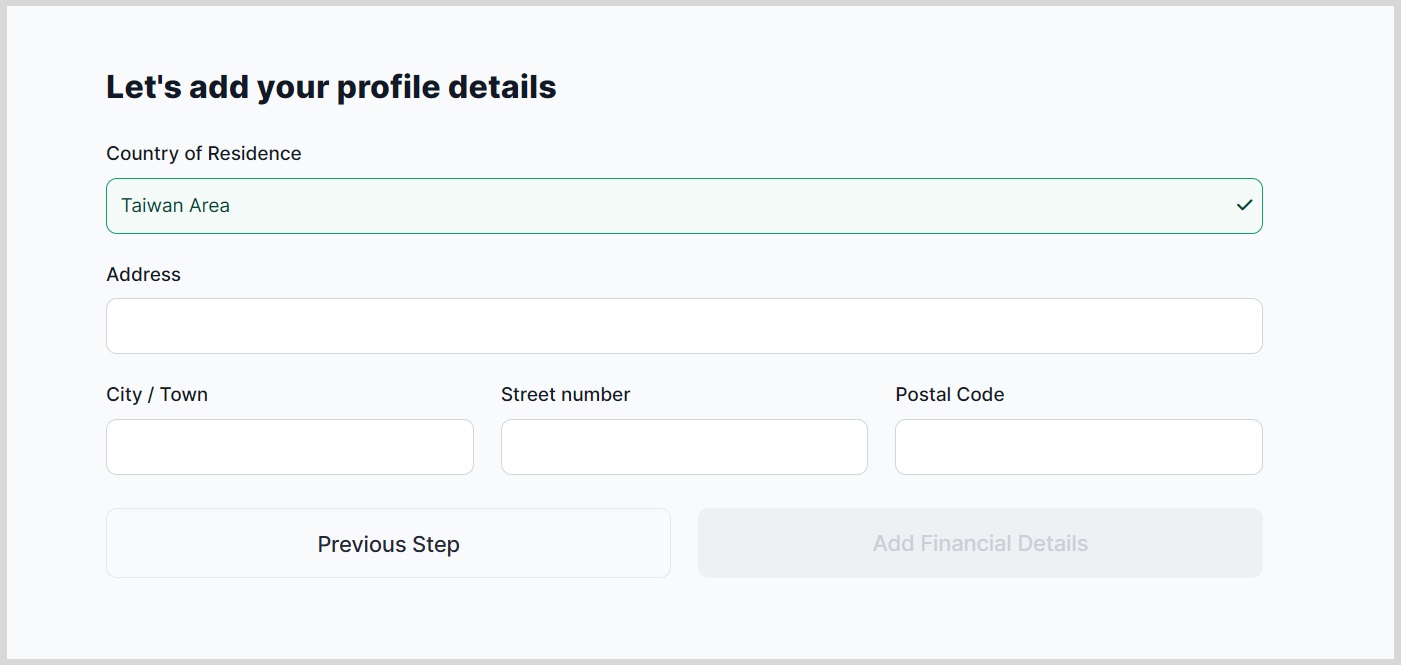
Next, register for “Personal Information”, “Address Details”, “Trading Account Details” and “Investor Information”.
Please note that you will not receive the account opening bonus and deposit bonus even if you select “Yes, I want to receive the bonus” in the “Account Bonus” item through the rebate account opened by our company. (However, you can receive XMP for every transaction)
Set a password, check the checkbox and click “Open a real-time account” to complete the registration of your personal information.
Email Authentication
After completing the registration of your personal information, the screen will change to the one shown below.
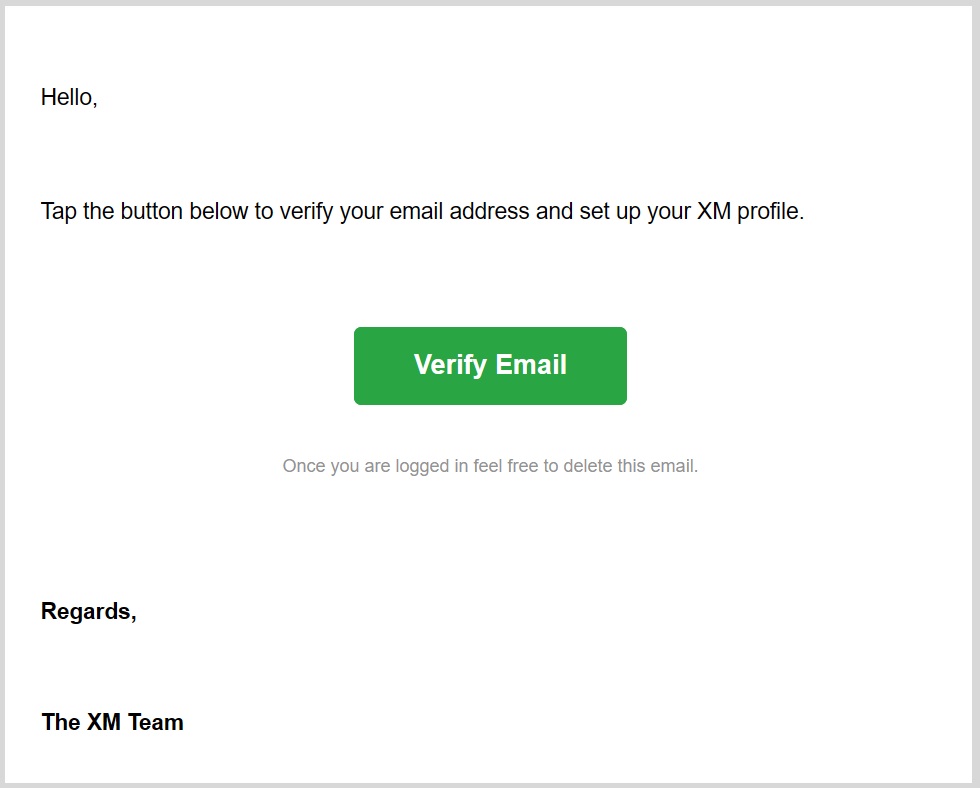
Open the registered email address and click “Confirm Email Address”.
After completing the email address verification, you can login to the XM Global member page.
Enter your issued MT4 (or MT5) ID and registered password to log in.
Uploading Necessary Documents
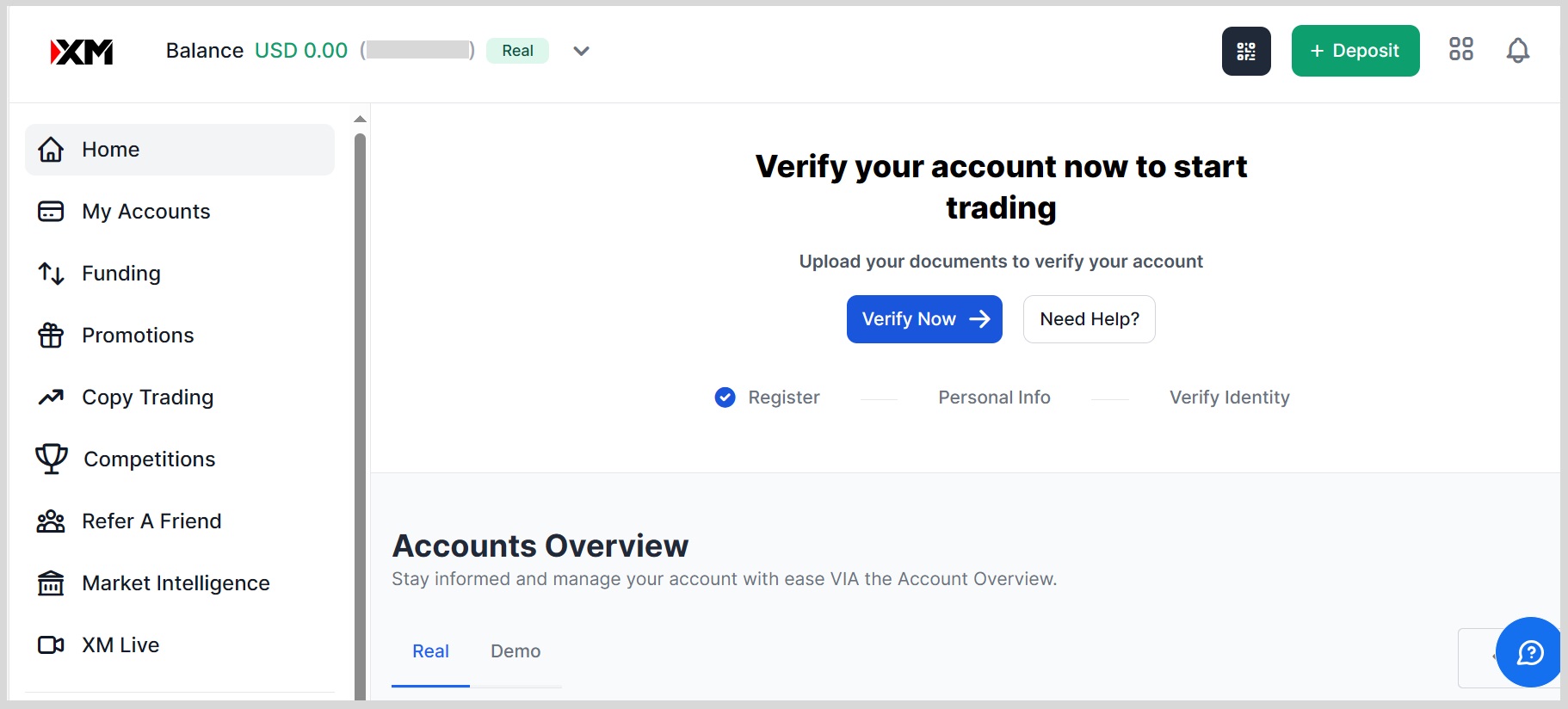
When you open the member’s page, the following notes will be displayed.
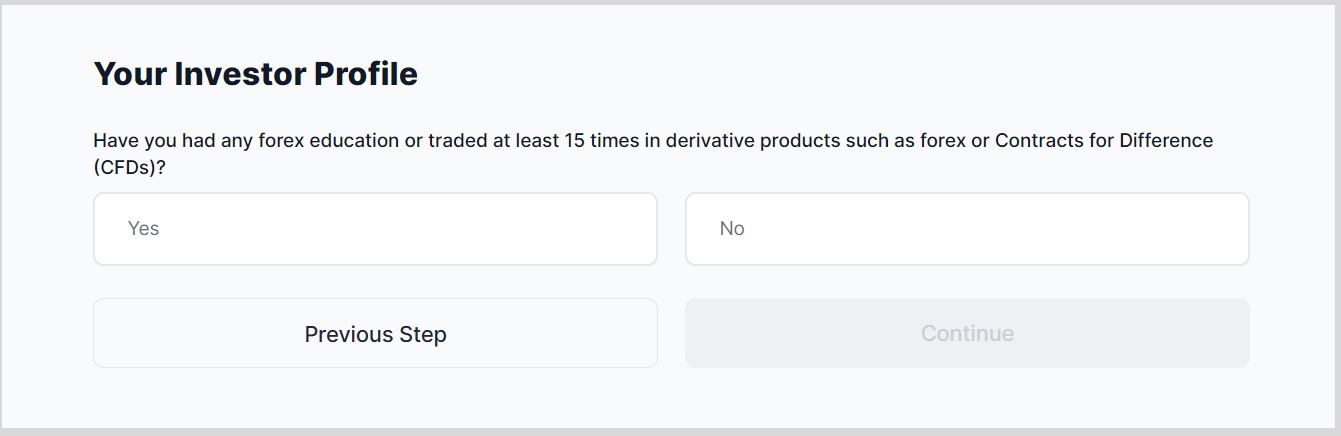
In the “Enter Additional Information” section, you will be asked if you have my ID card.
If you have an ID card, please select “Yes”, enter the number and click the Confirm button.
If you do not have an ID card, please select “No” and click “Send” as the ID card is not required.
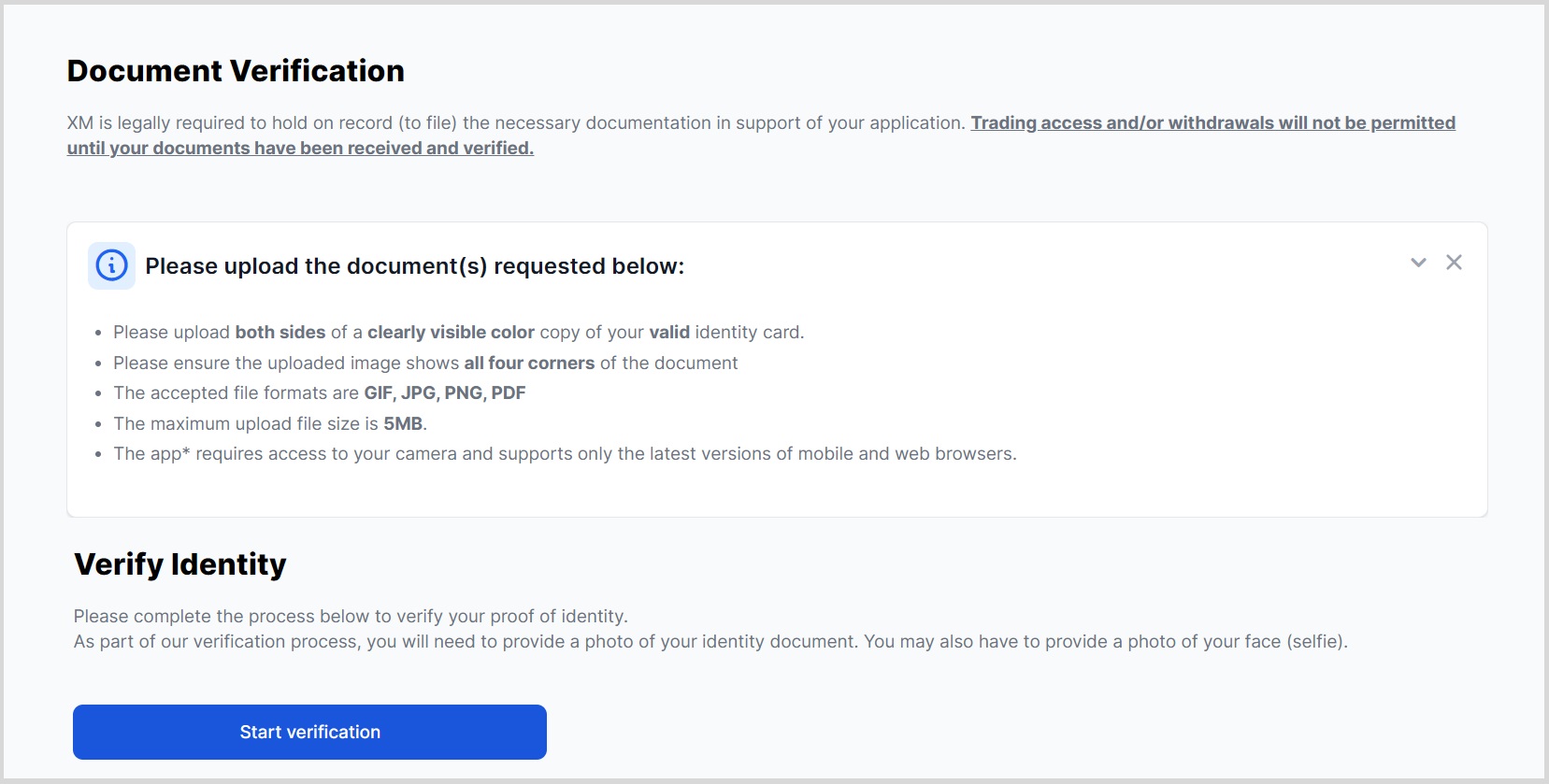
Return to the main screen of the Membership page and click on “Verify Account Here” to upload the necessary documents.
Once you have uploaded your proof of identity and address, the registration of your new account will be completed.
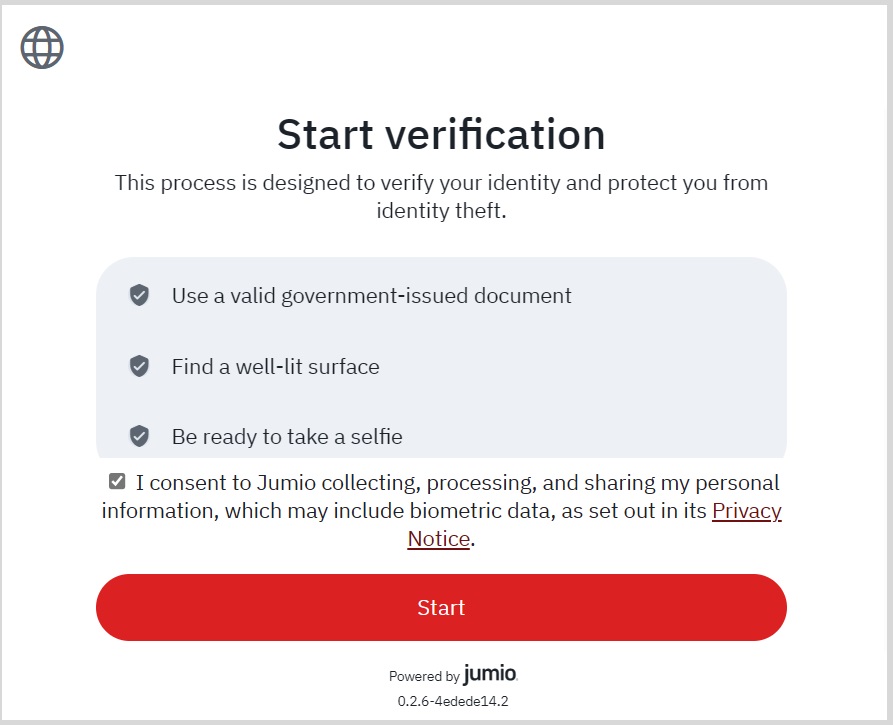
Finally, Fill out the require information. The, it’s all set.
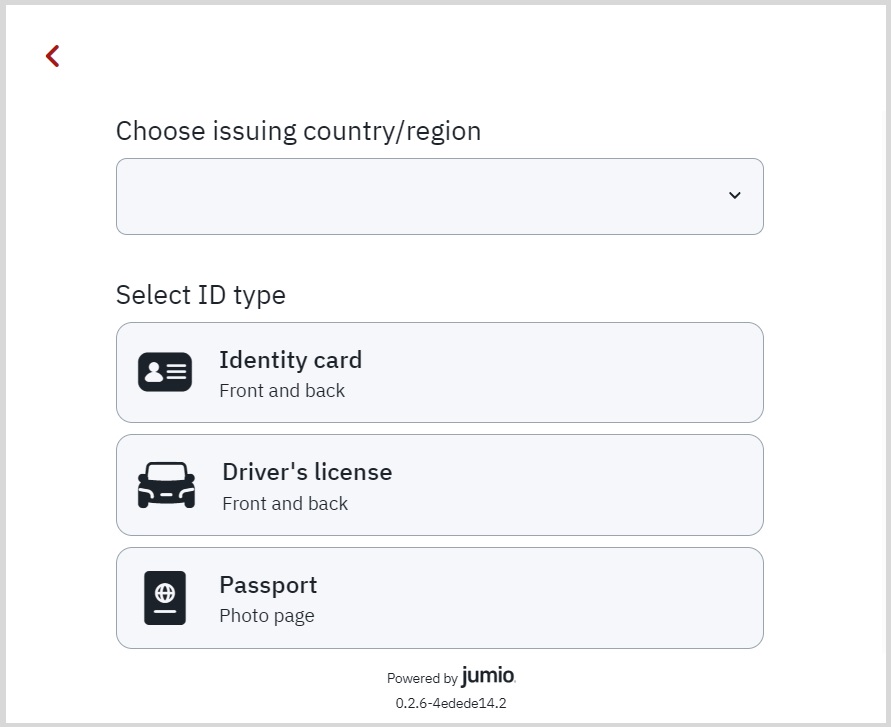
Connect bridge trading Account Registration Steps
Once you have completed the account setup, please proceed to register for our company’s account.
First, click on the link below to open the user registration page.
On the Account Registration Application screen, enter the following details:
Name
Email Address
Password
Confirm Password
Once completed, click “Go to Confirmation Screen” to proceed.
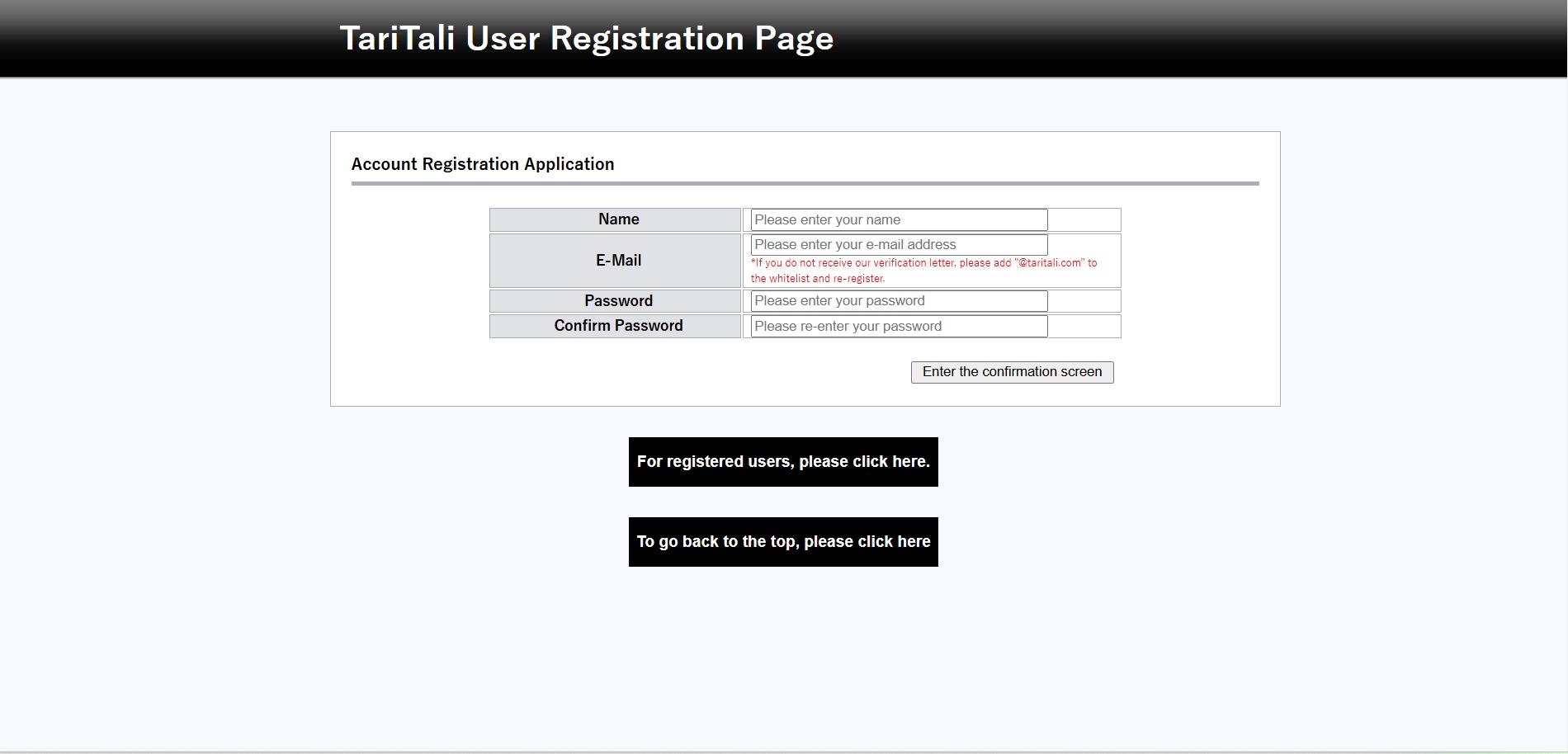
Once your registration is complete, you will receive a confirmation email at the address you provided.
Click the link in the email to finalise your account registration.
Next, log in to your registered account page and enter the account number you created.
After logging in, the following screen will appear:
Click “Click here if you already have a Cash Rewards account.”
If this option is not visible, go to the “Account Management” tab to proceed.
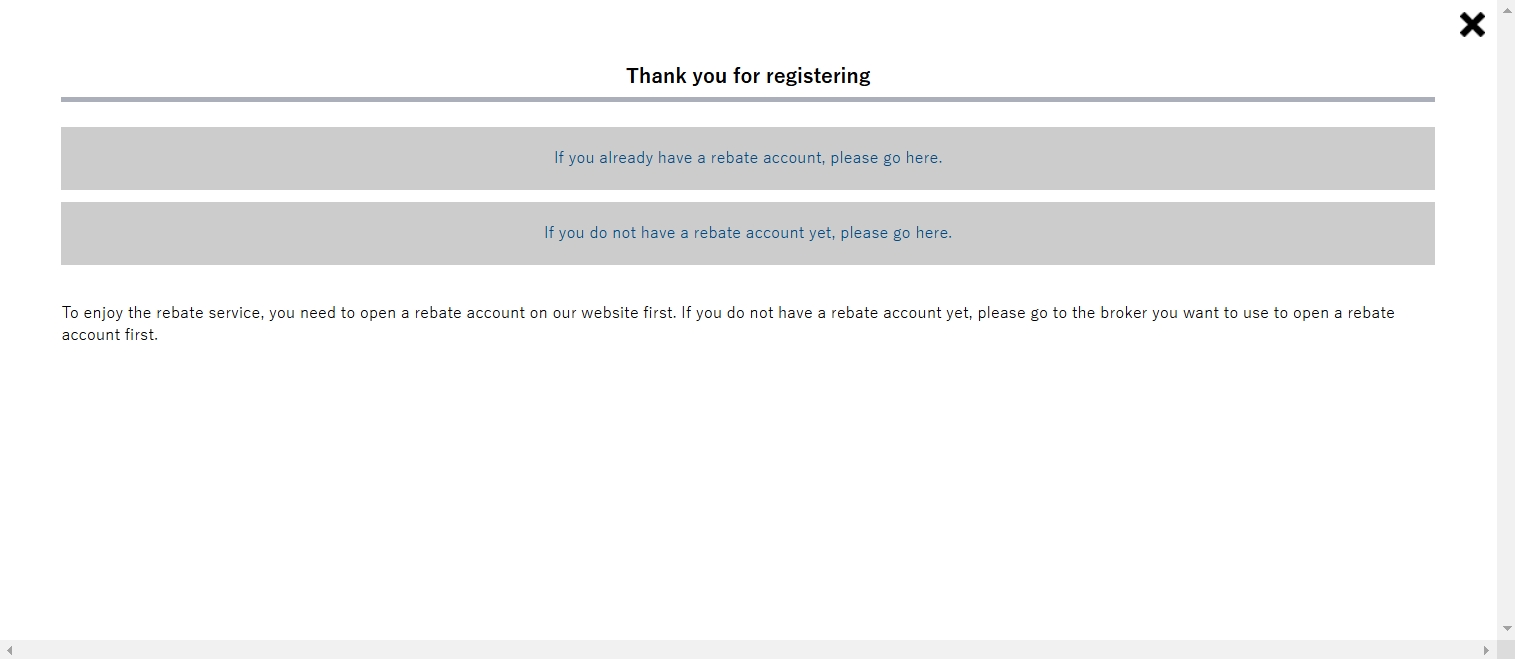
The account registration screen will be displayed.
Select “XM Global” for the “Business Name” and enter the XM Global account number opened and click “Register”.

Once your registration is submitted:
If there are no issues, you will receive an email confirming that your registration is complete.
If there are any problems, you will receive an email stating that your registration was unsuccessful.
In case of a failed registration, please follow the instructions provided in the email to open an additional account.
This concludes the process for opening an XM Global rebate account and the steps required to register with our company.