
Entering Basic Information
Click the link button to open the following screen.
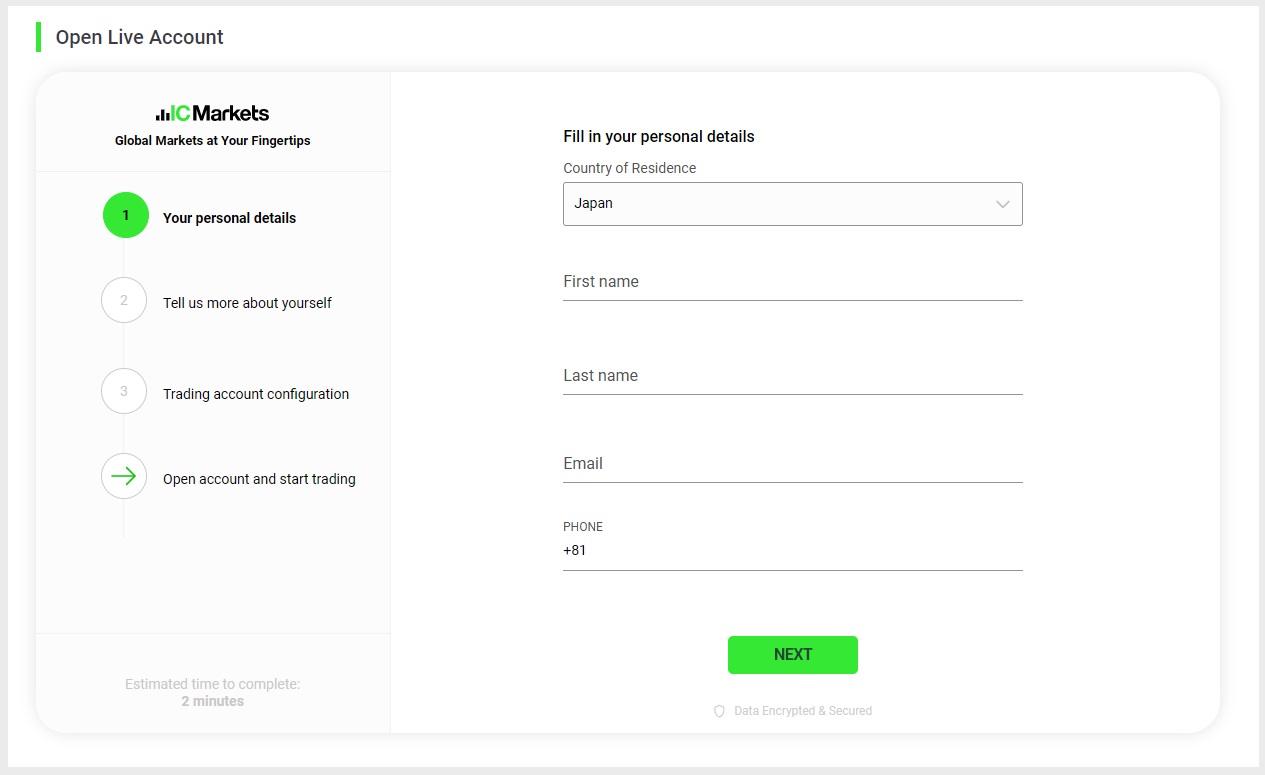
Scroll down and enter your personal information and click Next.
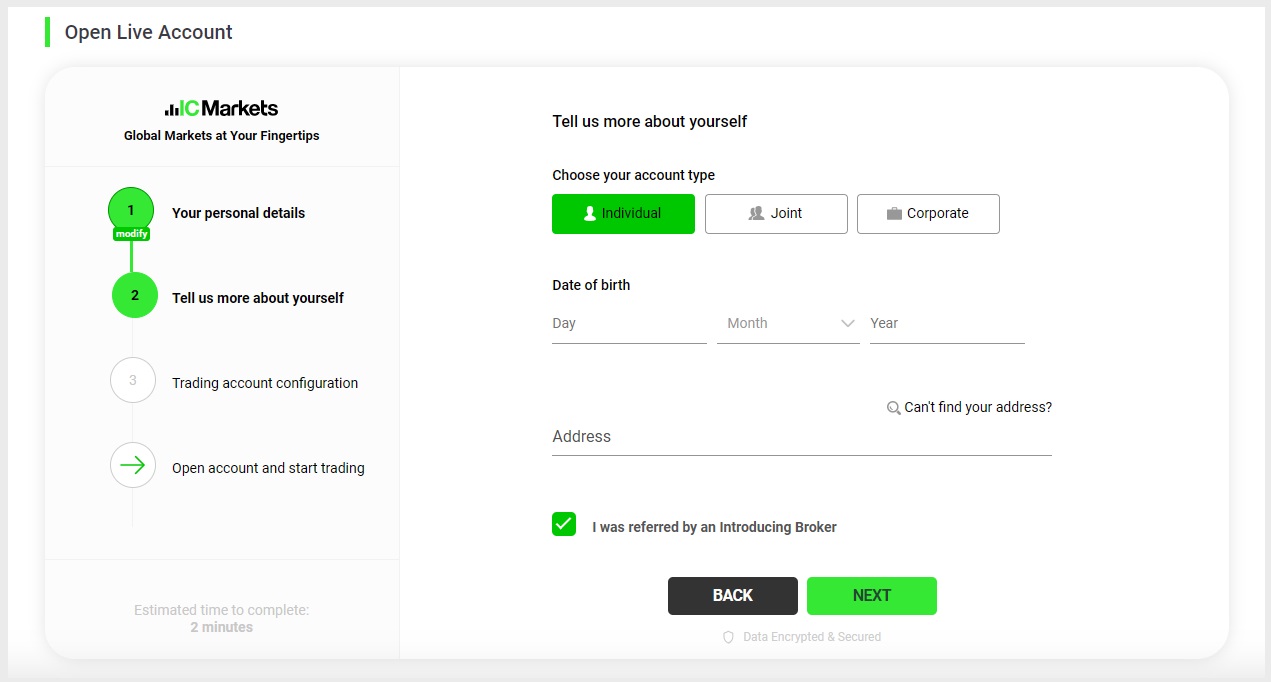
For a personal account, select “Personal” and enter your Date of Birth (DOB) and Address.
Check the box “Recommended by Introducing Broker” and make sure that Connect bridge trading number “69465” is entered in the Introducer ID field.
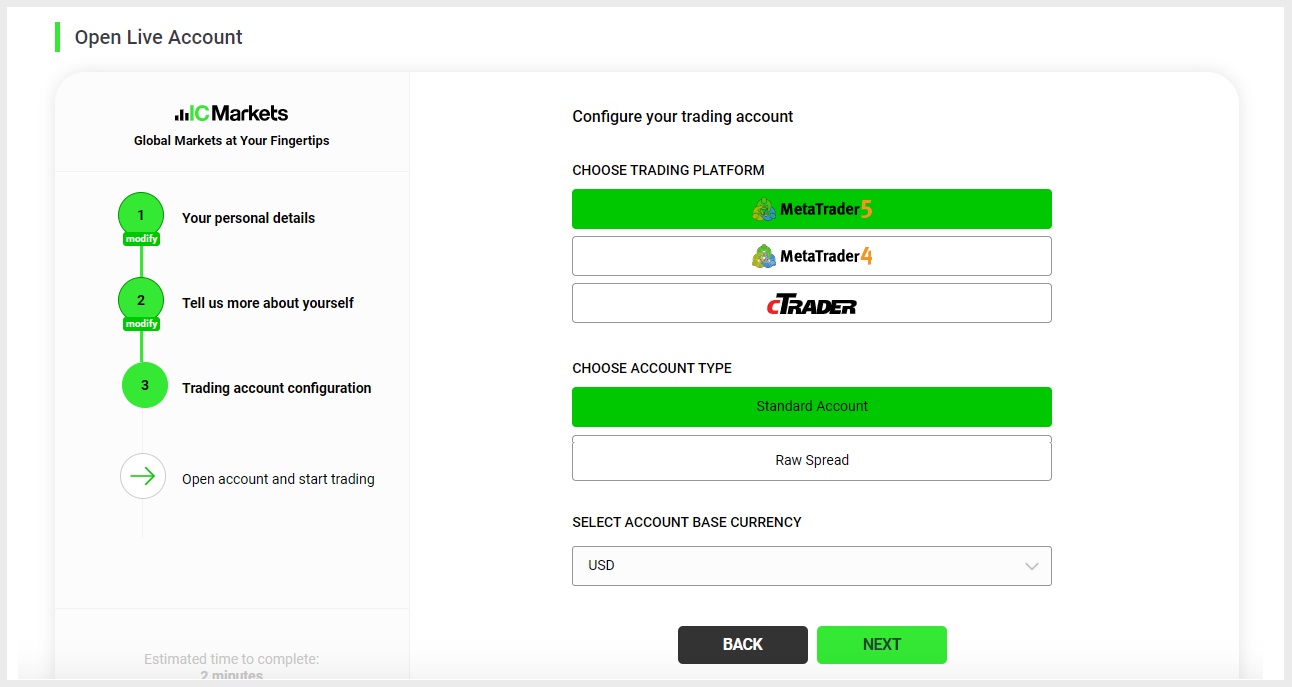
Next, select the specifications of the account you want to open.
After selecting the trading platform, account type, and base currency of the account, click Next.
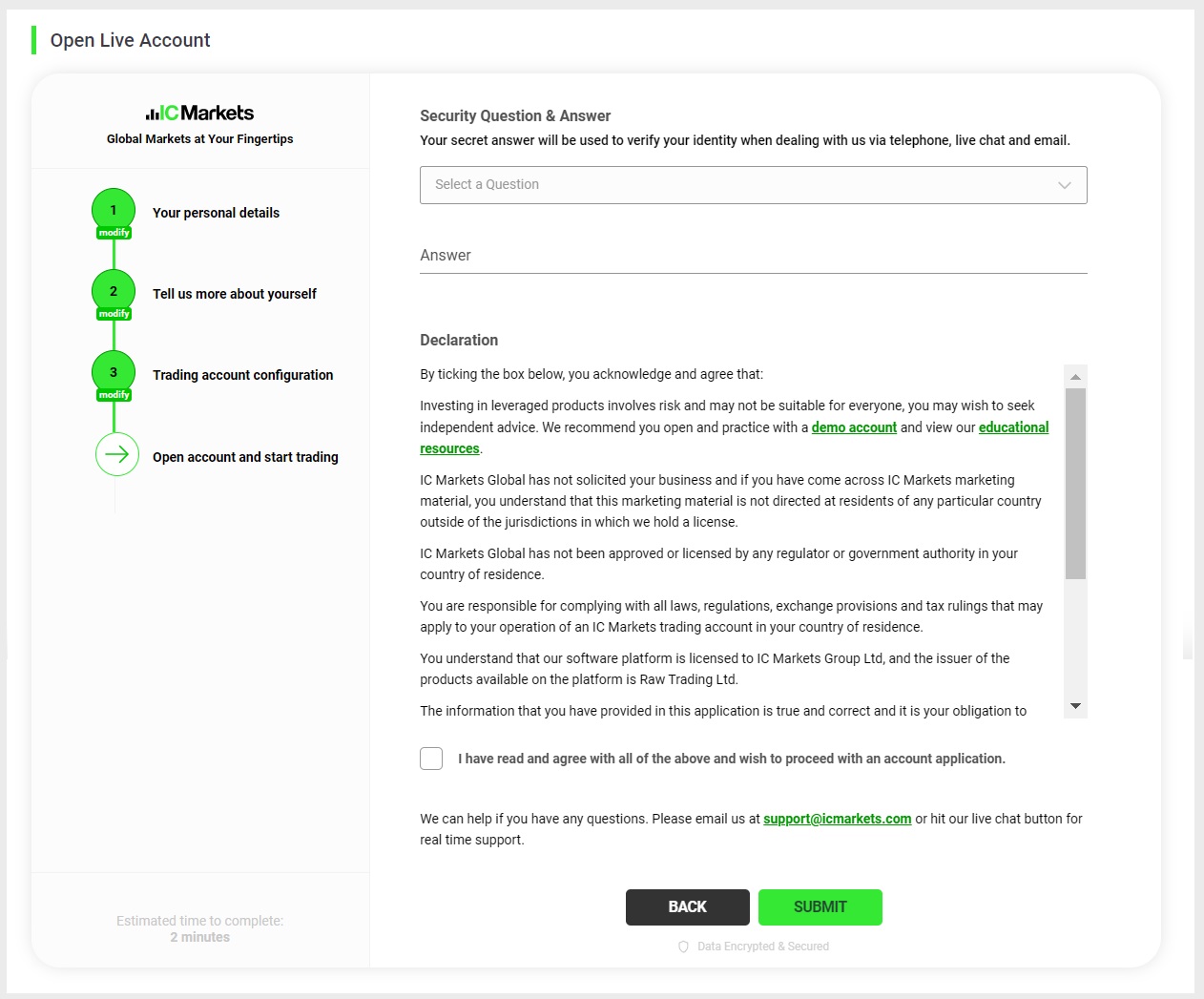
Set the security questions and answers.
Confirm the contents of the “Declaration”, check the checkbox, and click “Submit”.
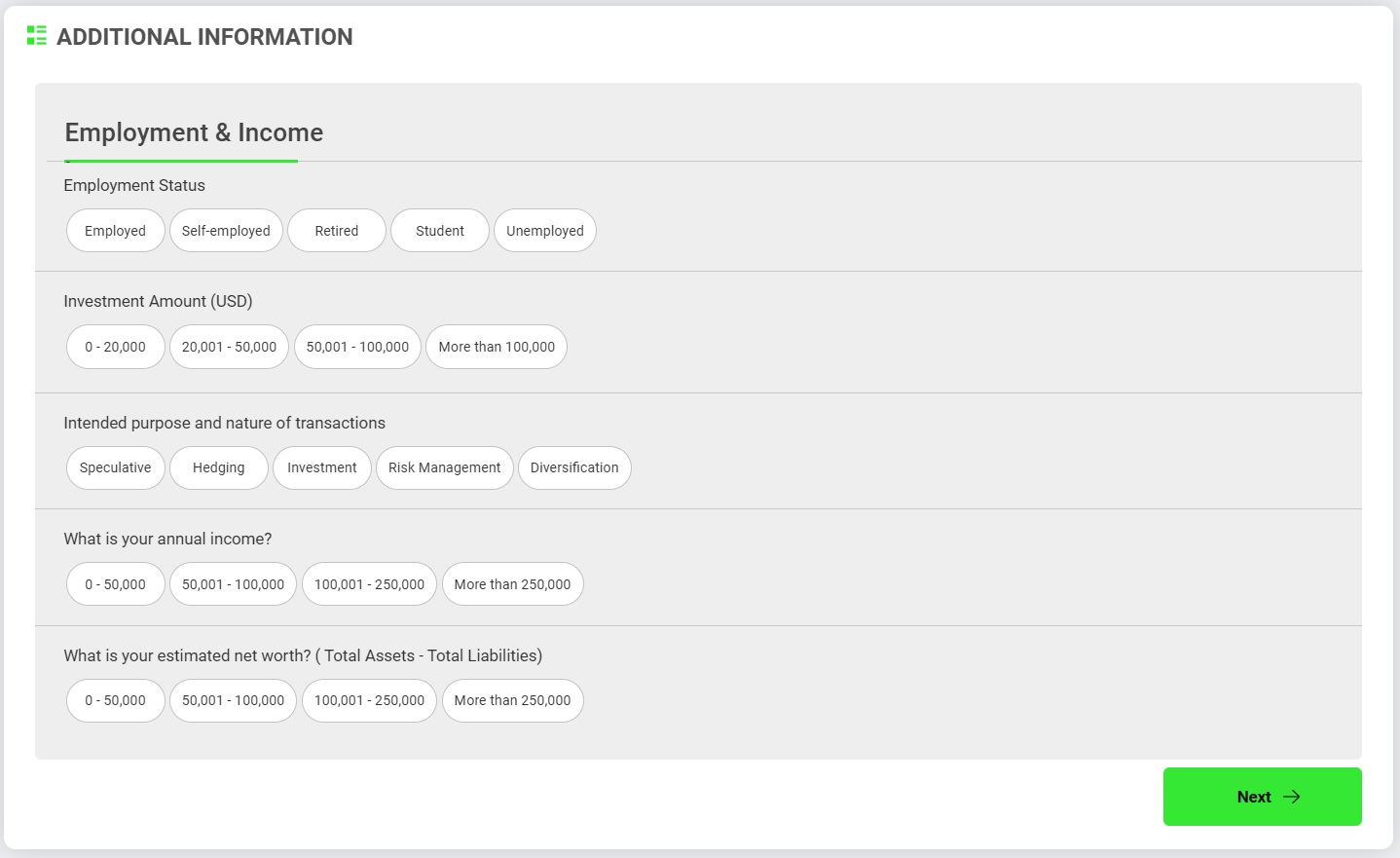
Here, select the answer that most closely matches your financial situation and click “Next.
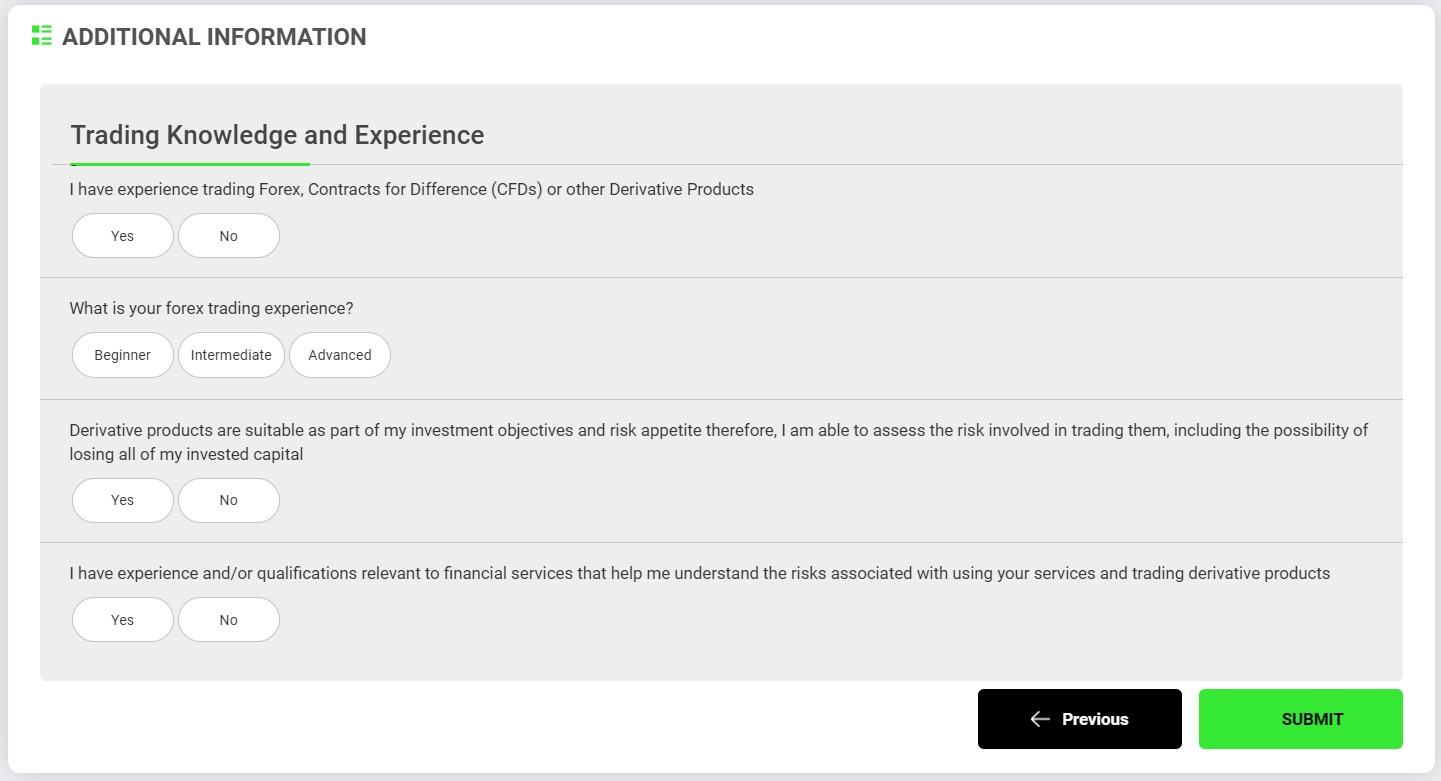
Select the answer that best matches your investment experience and click “Submit”.
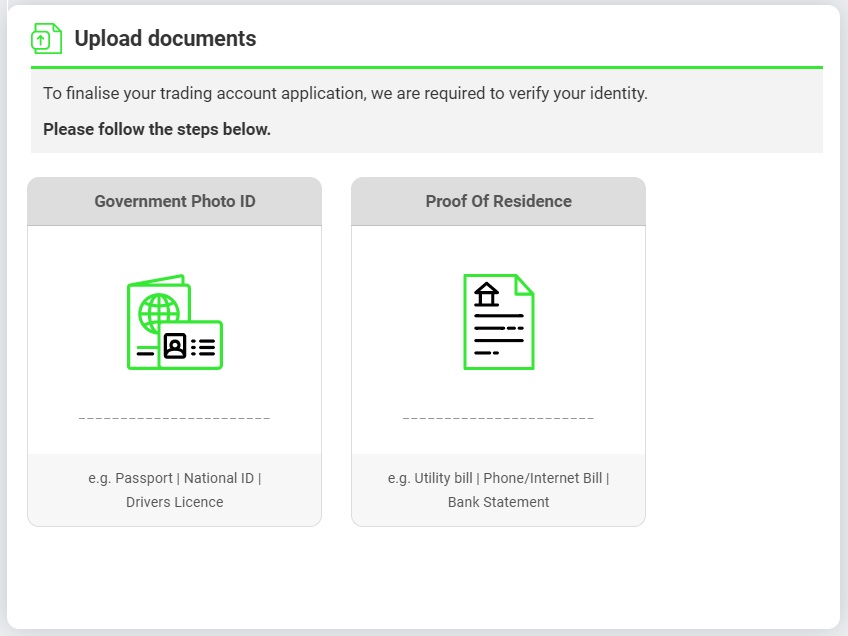
Uploading necessary files
Finally, upload the required documents through the Secure Client Area. Prepare your government-issued photo ID and proof of residency, and upload them.
Click “Upload” after submitting the relevant files separately.
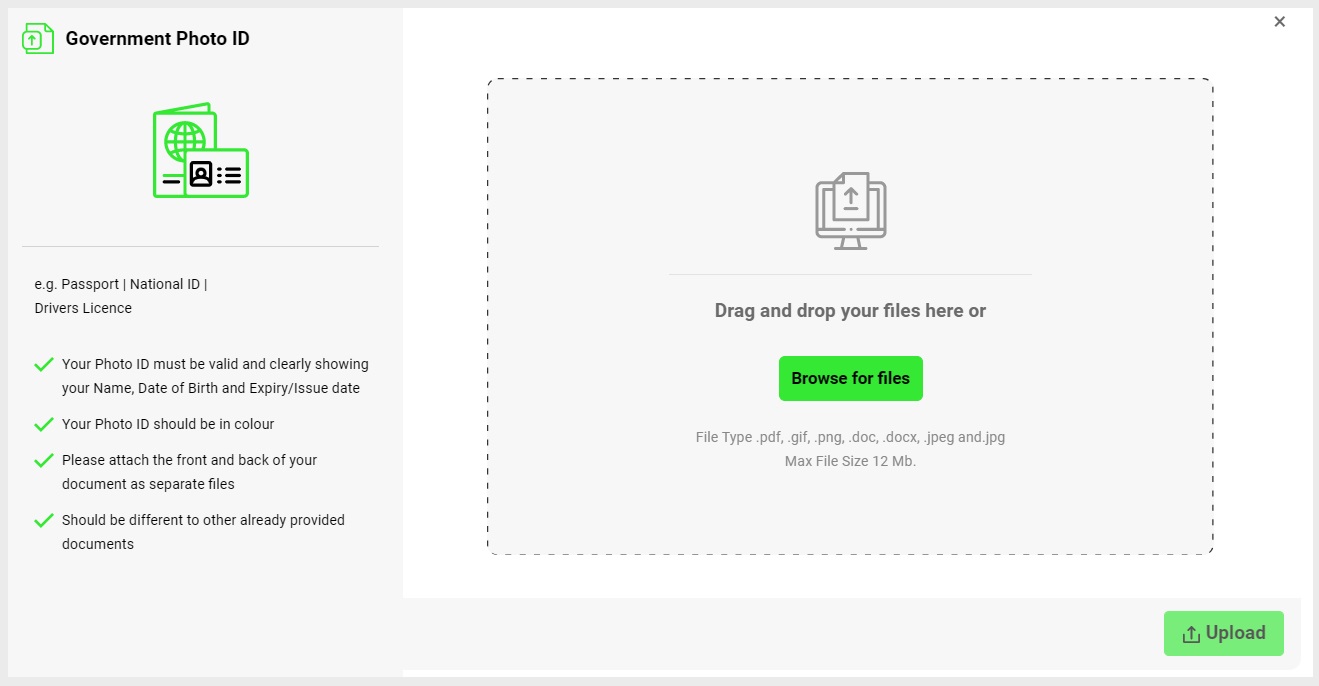
Once the above steps have been completed, account opening and registration is complete.
Upon completion of authentication, you will receive an email containing your login information to the email address you provided during registration.
Our (TariTali) Account Registration Steps
Once your account has been opened, proceed to register for our account.
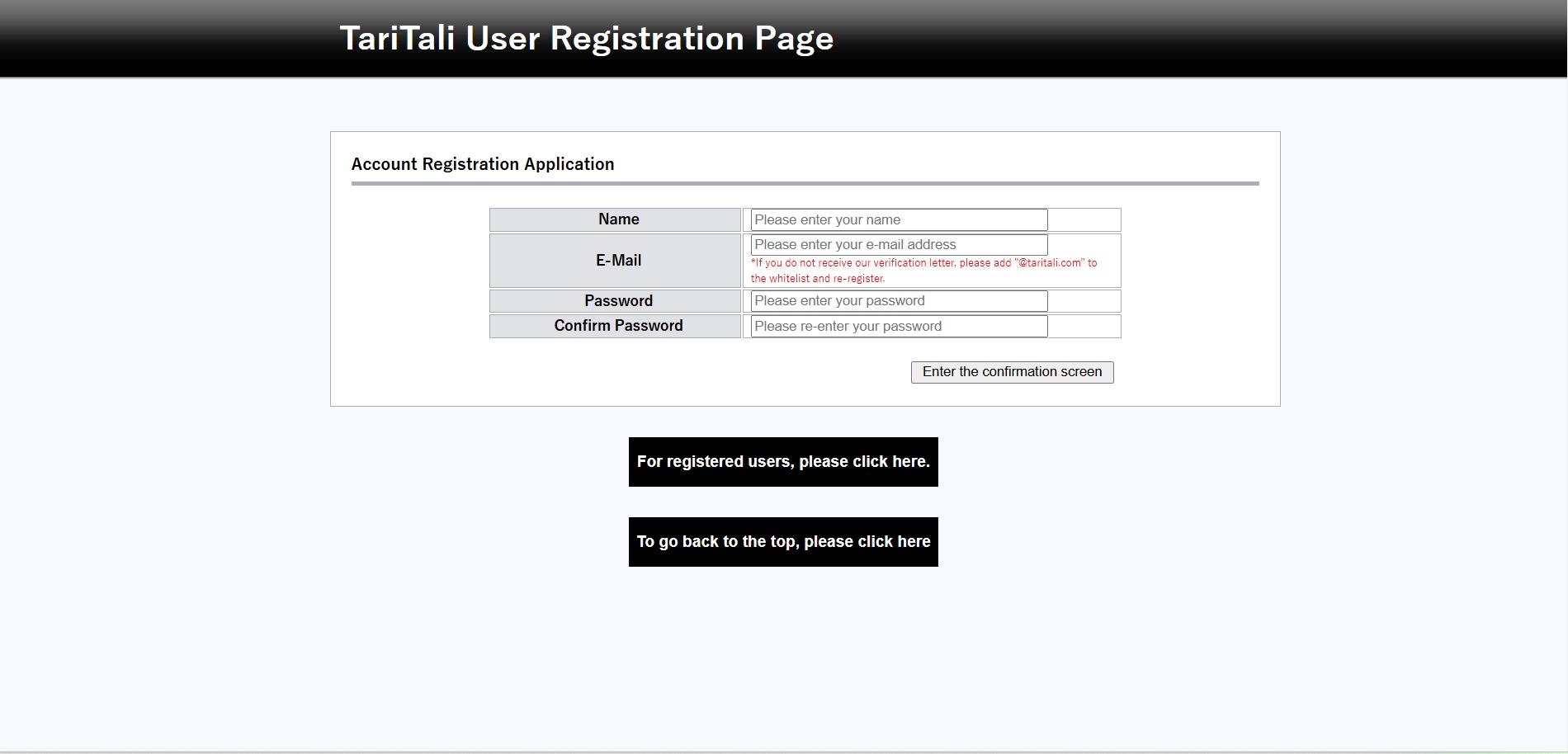
First, click on the link below to open the Account Registration page.
On the Account Registration screen, please enter the following details:
Full Name
Email Address
Password
Confirm Password
Once all fields are filled out, click “Go to Confirmation Screen” to proceed.
Once registration is complete, you will receive an email to the email address you entered.
Click on the URL provided in the email to complete your account registration.
Next, log in to your registered Account,and log in to the account number you set up.
After logging in, you will see the following screen, please click “Click here if you have an existing cashback account”.
If this option does not appear, click on the “Account Management” tab.
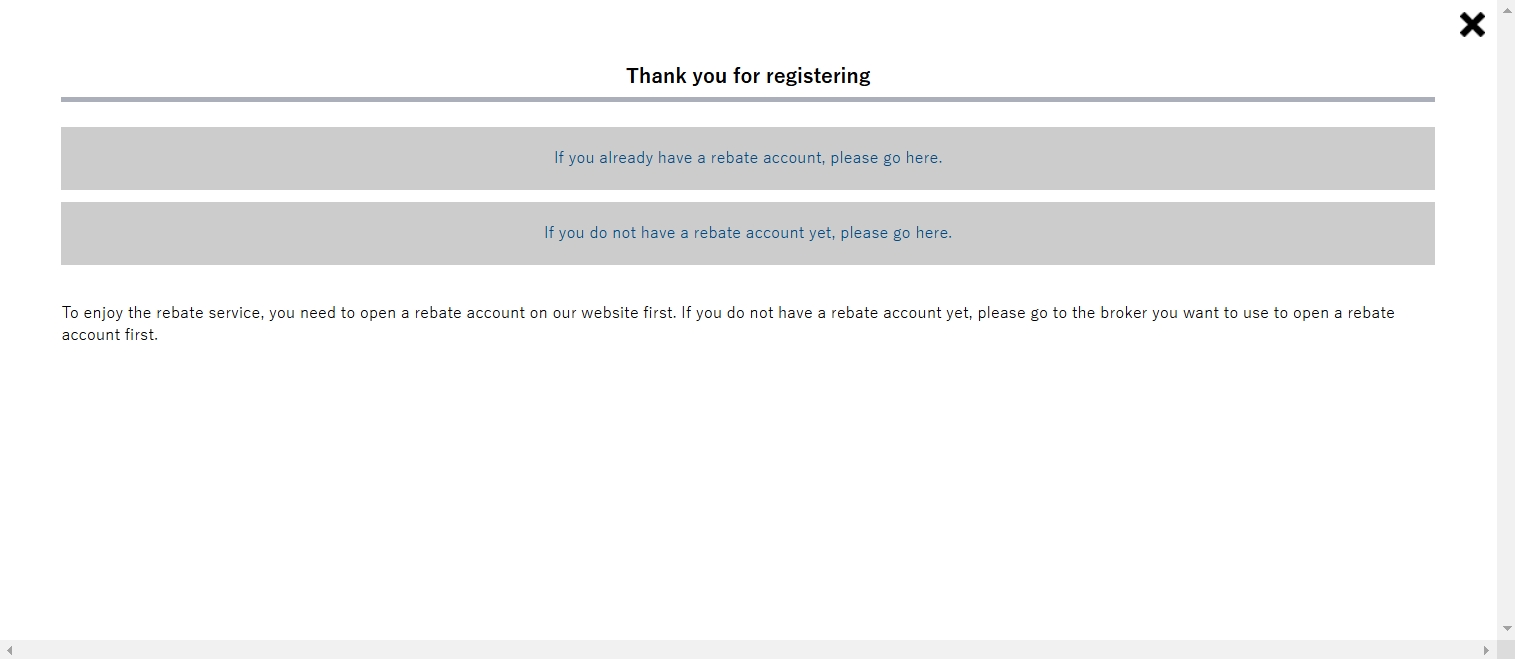
The Account Login screen will be displayed.
On this screen, please select “IC Markets” as the “Business Name” and enter the IC Markets account number you opened in the “Trading Account Number” field, and finally click “Login”.

If the input is correct, you will receive an email that your registration is complete; if there is a problem, you will receive a registration failure notification email.
If you receive a failed registration email, please follow the instructions in the email to open an additional account.
These are the steps to open an IC Markets Cashback account and our account registration instructions.