
IC Markets’s deposit process
IC Markets supports the following deposit methods.
Below, we will introduce each deposit method along with the steps for making a deposit.
※Extra transfer fee is required
Deposit procedure by domestic bank remittance
First, log in to the Secure Client Area, open the “Deposit” menu on the right side of the screen, and then click “Deploy Funds Now with local Internet Banking”.
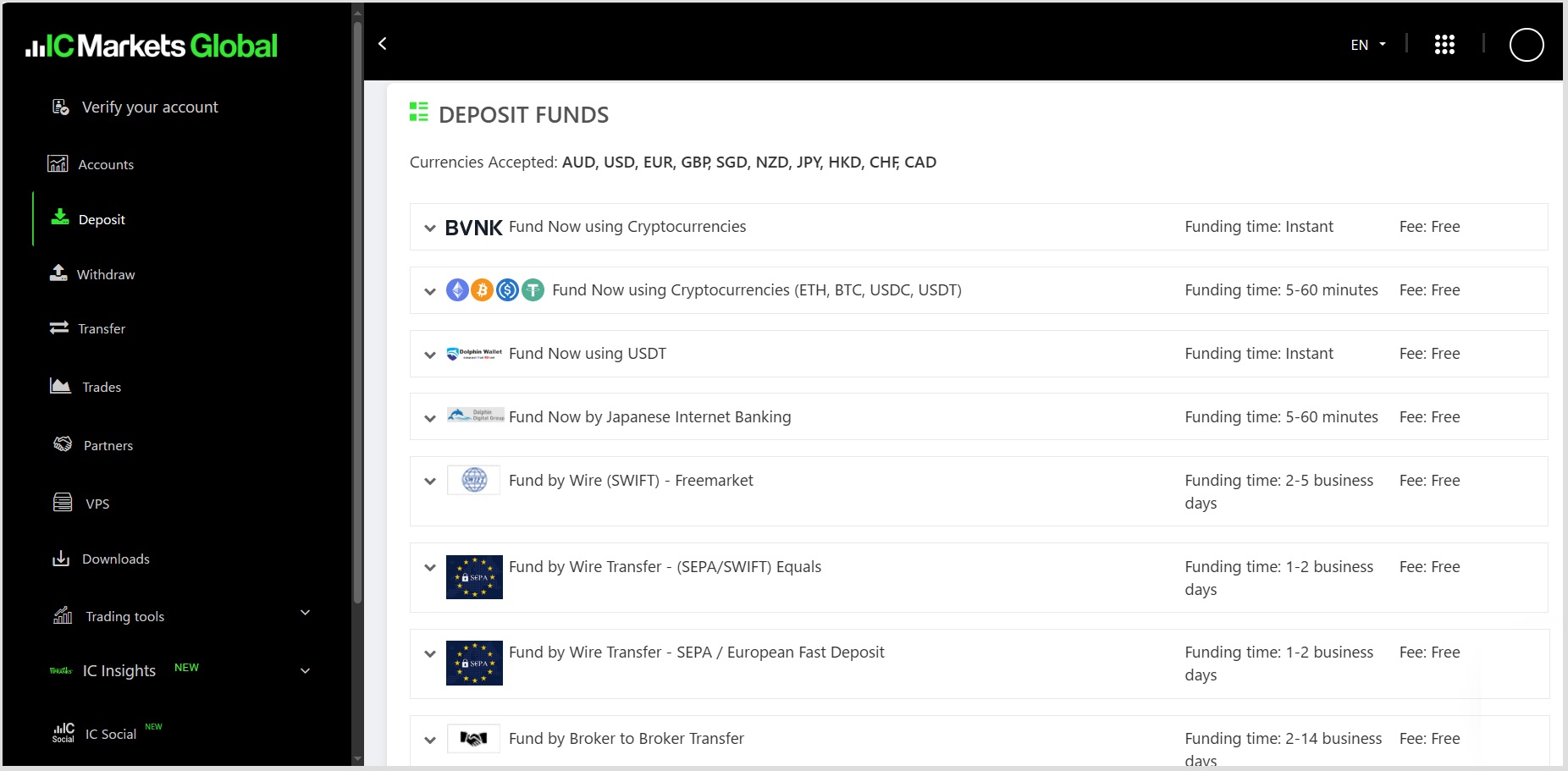
When using domestic bank transfer, deposits must be made through Internet banking.
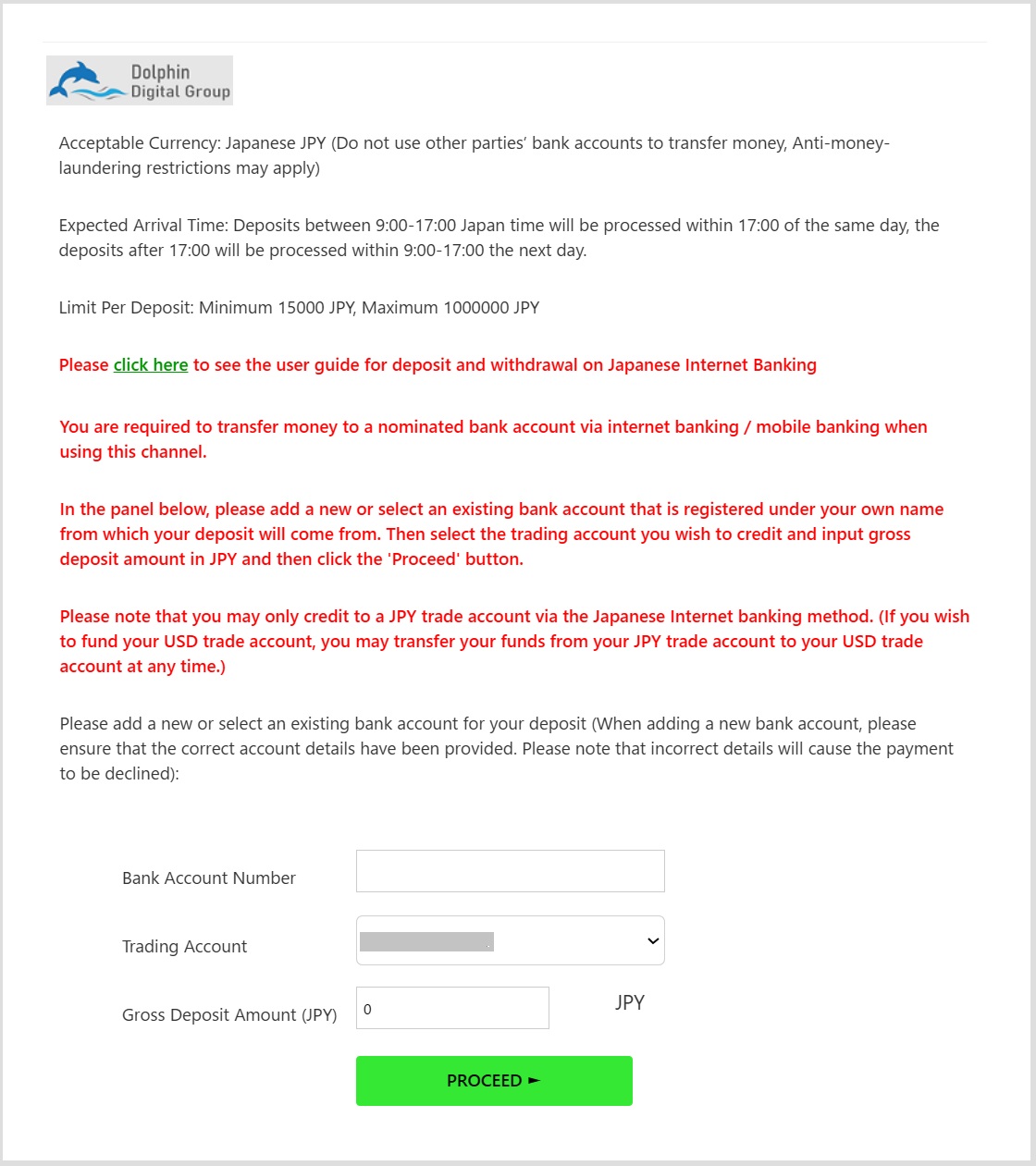
If you wish to use a new card, please register it by selecting “Add a new card.”
If you’re using a previously registered card, select “Please enter your card number.”
After choosing the transaction account and entering the deposit amount, click “Continue.”
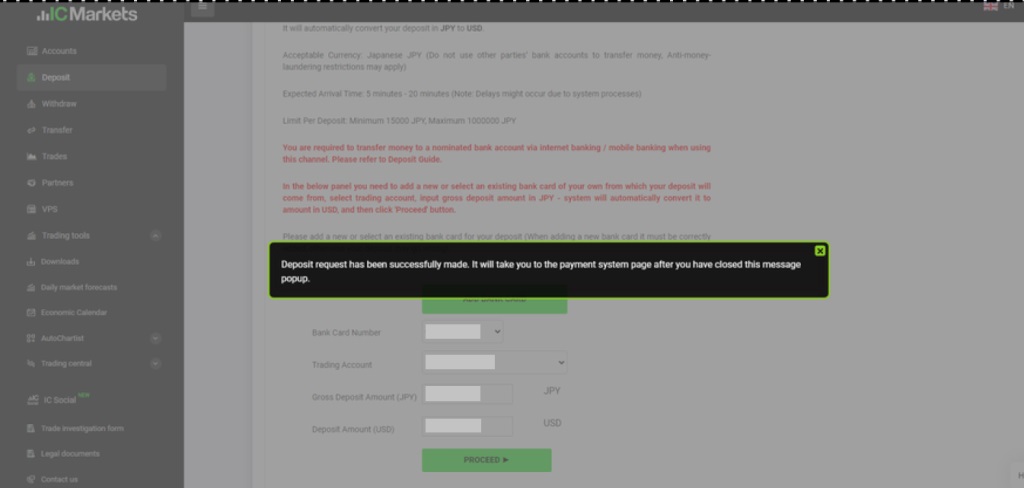
A pop-up window will appear stating:
“The deposit request has been successfully completed. After closing this pop-up message, you will be redirected to the payment system.”
Once you close the pop-up, you will be automatically redirected to the payment page.
Enter the deposit amount, bank card number, and payer’s name (if required), then click “Submit Order”.
Next, verify the entered details and click “Confirm Payment”.
A 60-minute countdown timer will begin, so please complete the payment within that time.
Once the payment is completed, the screen will transition automatically.
Deposits are usually reflected in your trading account within 5 to 20 minutes.
Overseas Bank Transfer Deposit Steps
Log in to the Secure Client Area, open the “Deposit” menu located on the right side of the screen, and click “Deposit Funds via Wire Transfer.”
In the “Currency” field, select your desired currency for the deposit — options include U.S. Dollars, Euros, Pounds Sterling, Canadian Dollars, and Swiss Francs.
Once you enter the deposit amount, the bank account details for the wire transfer destination will be displayed.
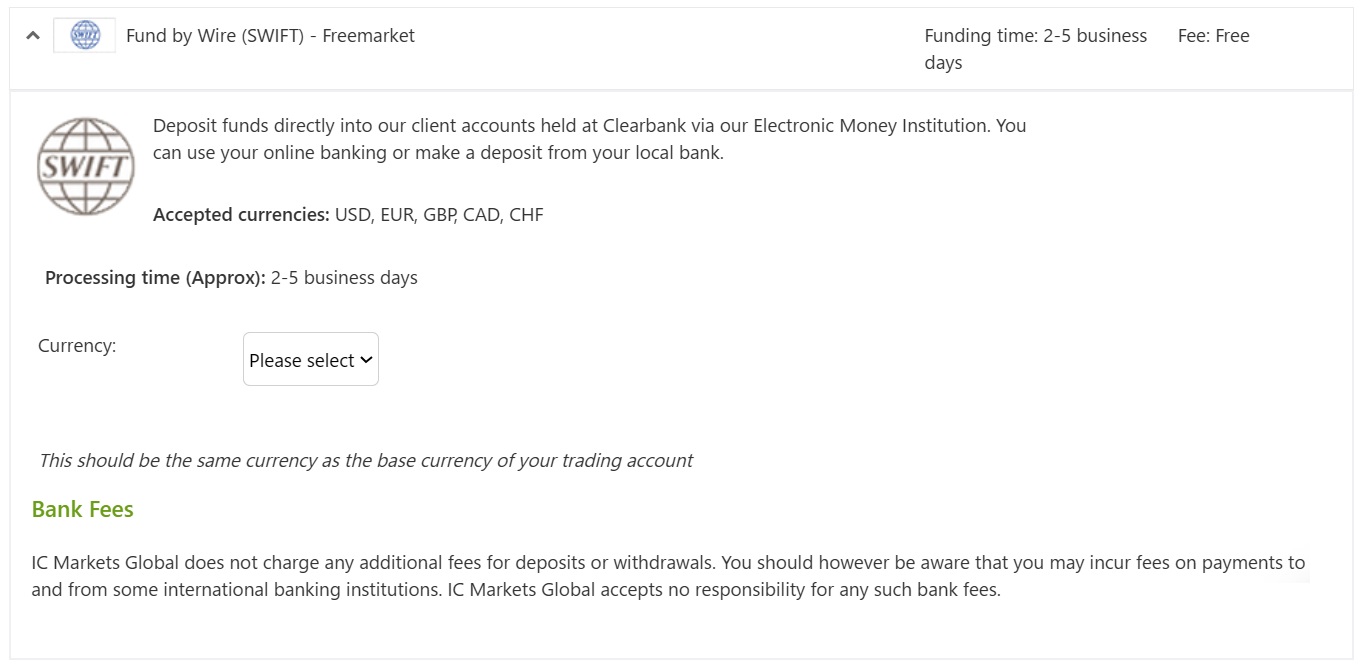
Deposit application for overseas bank remittance will be completed when you make a transfer from a bank counter or internet banking.
Deposits will be reflected within 2 to 5 business days after application.
Cryptocurrency Deposit Steps
To make a USDT deposit, you must first create a DolphinWallet account.
Important: When withdrawing funds via USDT, you will be required to upload a screenshot of your wallet’s QR code and wallet ID.
Once your wallet is ready, follow these steps:
Log in to the Secure Client Area.
Open the Deposit menu on the right side of the screen.
Click “Deposit with USDT Now.”

Enter your trading account number and the amount to be deposited, then click on “Starting Deposit Amount.
After confirming the remittance details, simply follow the on-screen instructions to complete your deposit application.
That concludes the overview of deposit methods supported by IC Markets.