
HFM(HotForex)’s deposit process
At HFM, the following are the main domestic deposit methods.
Domestic Bank Transfer Deposit Method – HFM
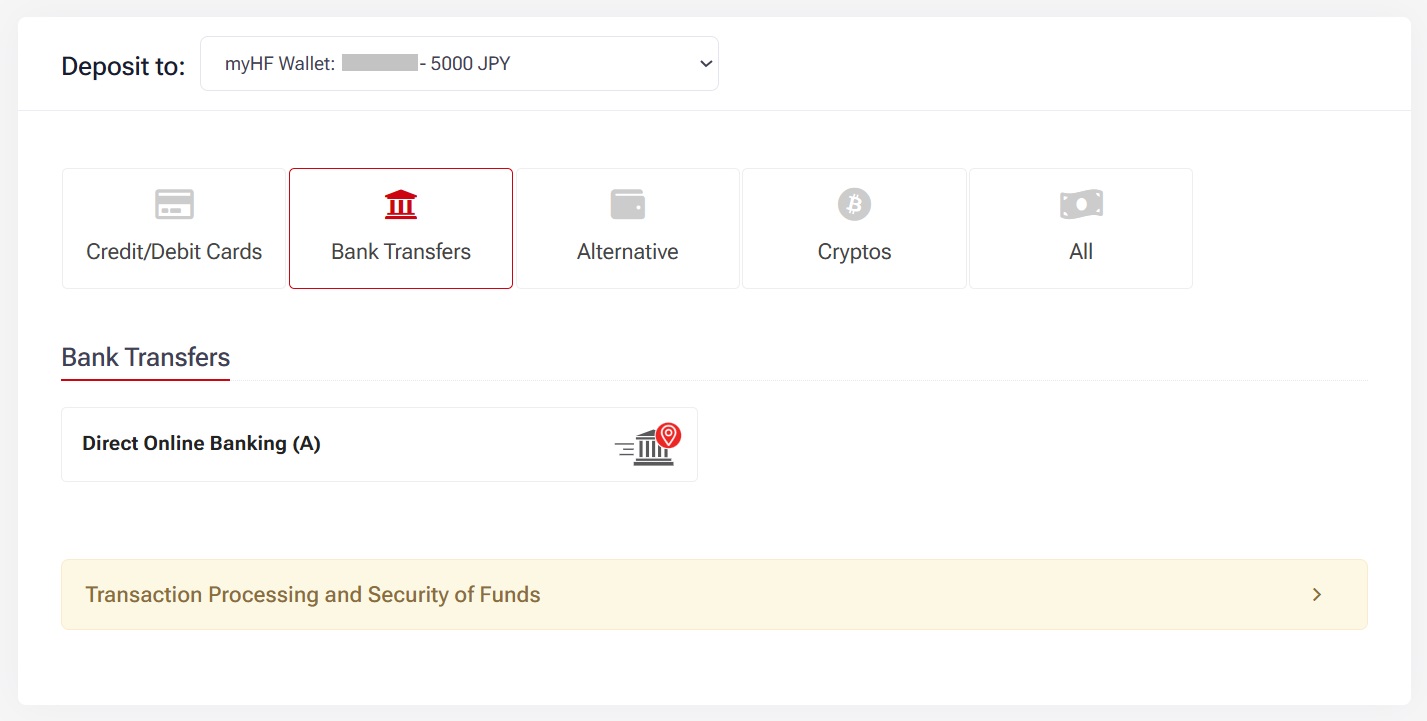
To deposit funds via domestic bank transfer:
Login to your myHF Area
Ensure your email and password are correct.Access Deposit Options
From the left-hand menu, click “Deposit”.Choose Direct Online Banking
Under Deposit Options, select “Direct Online Banking”.Deposit Limits & ID Verification
For deposits over $3,000, BitPay ID verification is required.

Enter the personal information required to perform a domestic bank transfer.
When finished, click “Deposit”.
Domestic Bank Transfer Deposit Method – HFM
To deposit funds via domestic bank transfer:
Login to your myHF Area
Ensure your email and password are correct.Access Deposit Options
From the left-hand menu, click “Deposit”.Choose Direct Online Banking
Under Deposit Options, select “Direct Online Banking”.View Remittance Details
Once selected, remittance information will be displayed.
➤ You must complete the transfer within the specified time.Enter the Inquiry Number Correctly
In the “Remittance Name” field, make sure to fill in the inquiry number provided to ensure successful deposit tracking.Verification Note
For deposits over $3,000, a BitPay verified ID is required.
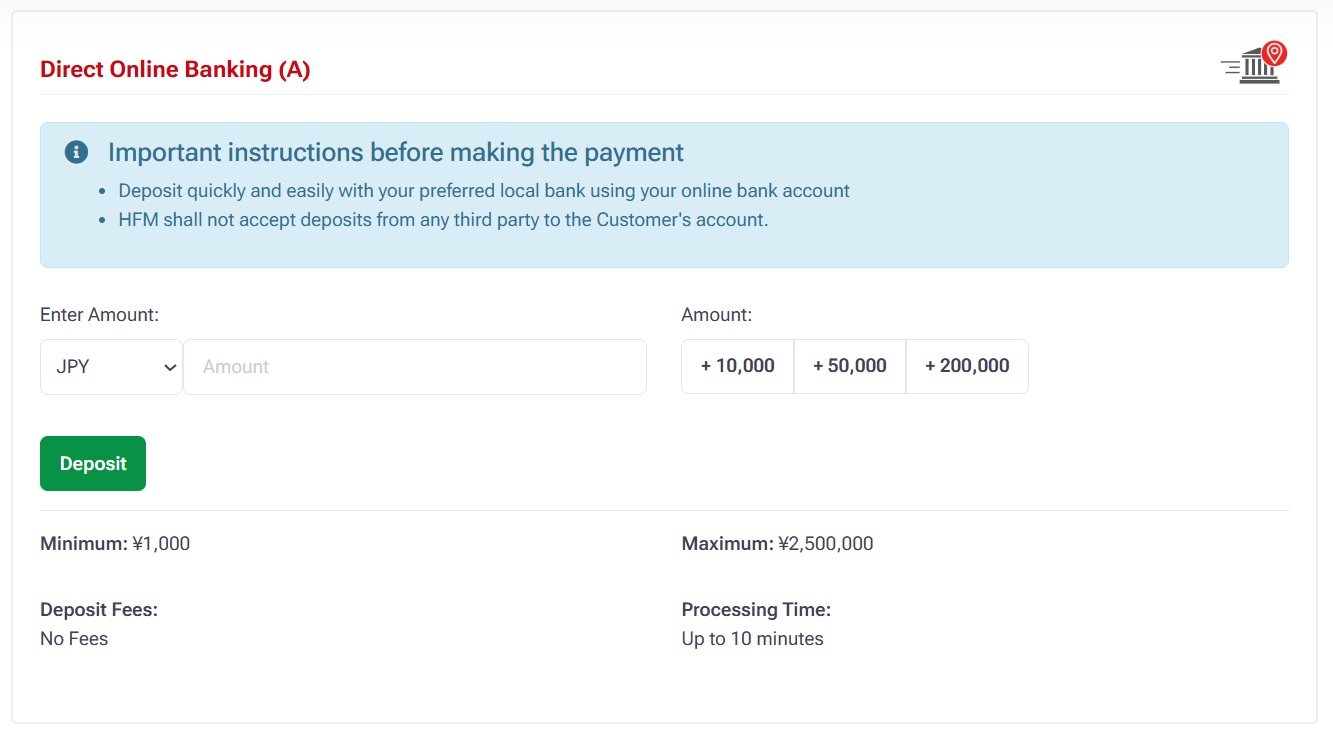
Fill the information and complete this seciton.
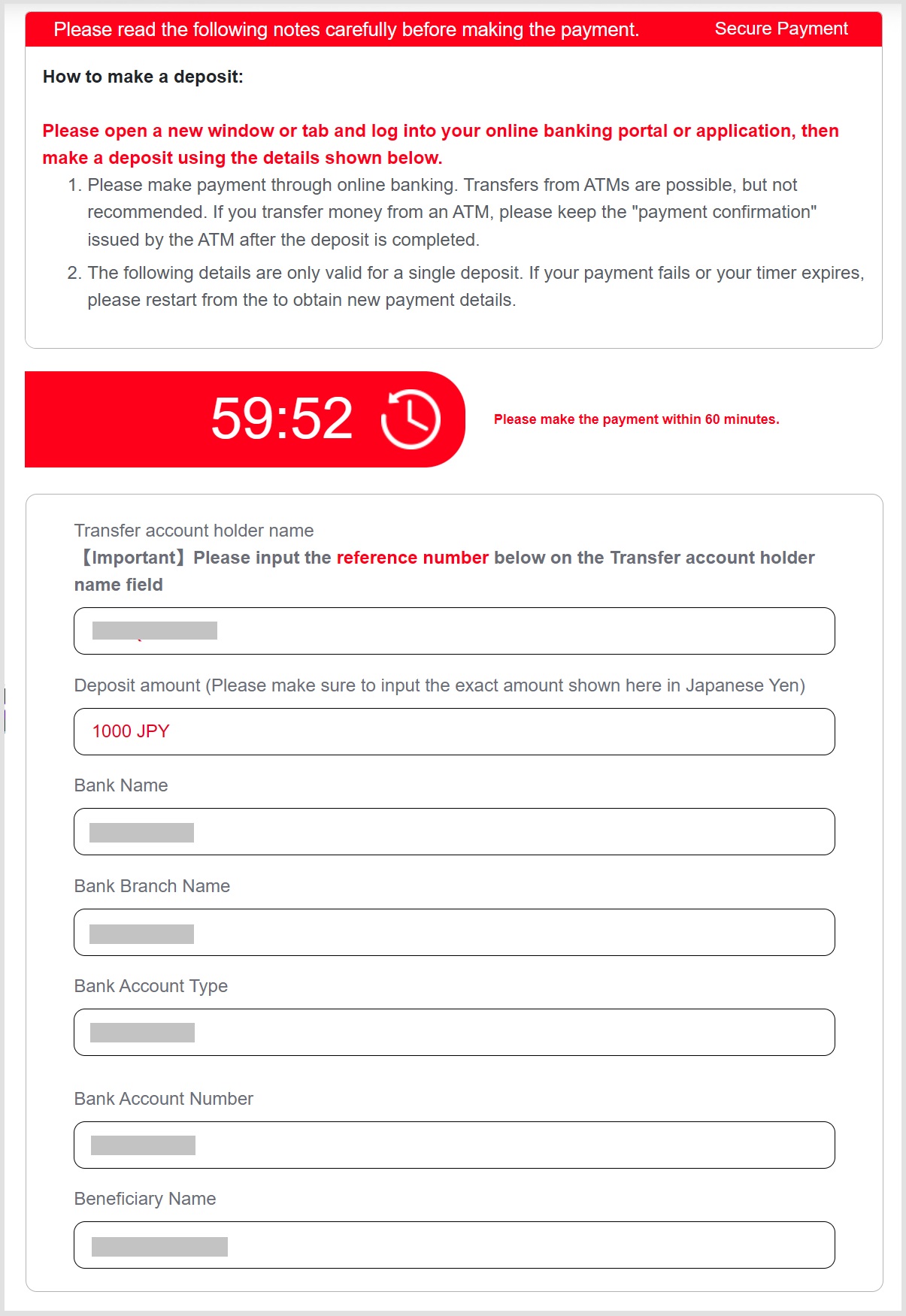
Above is the completion of the application for depositing funds through domestic bank transfer.
Credit Card / Debit Card Deposit Methods
Just simply use a credit card, it’s an easy way to make the deposit!
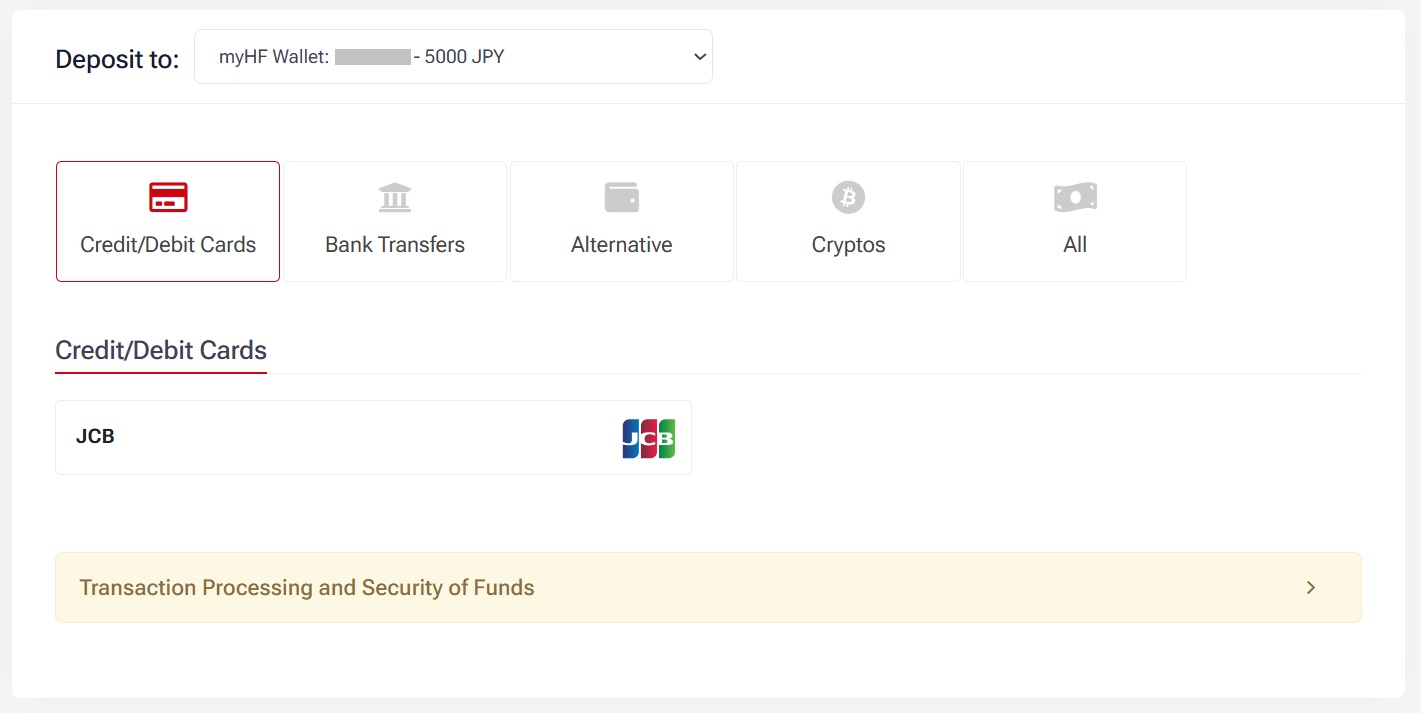
Put the amount and click Deposit.
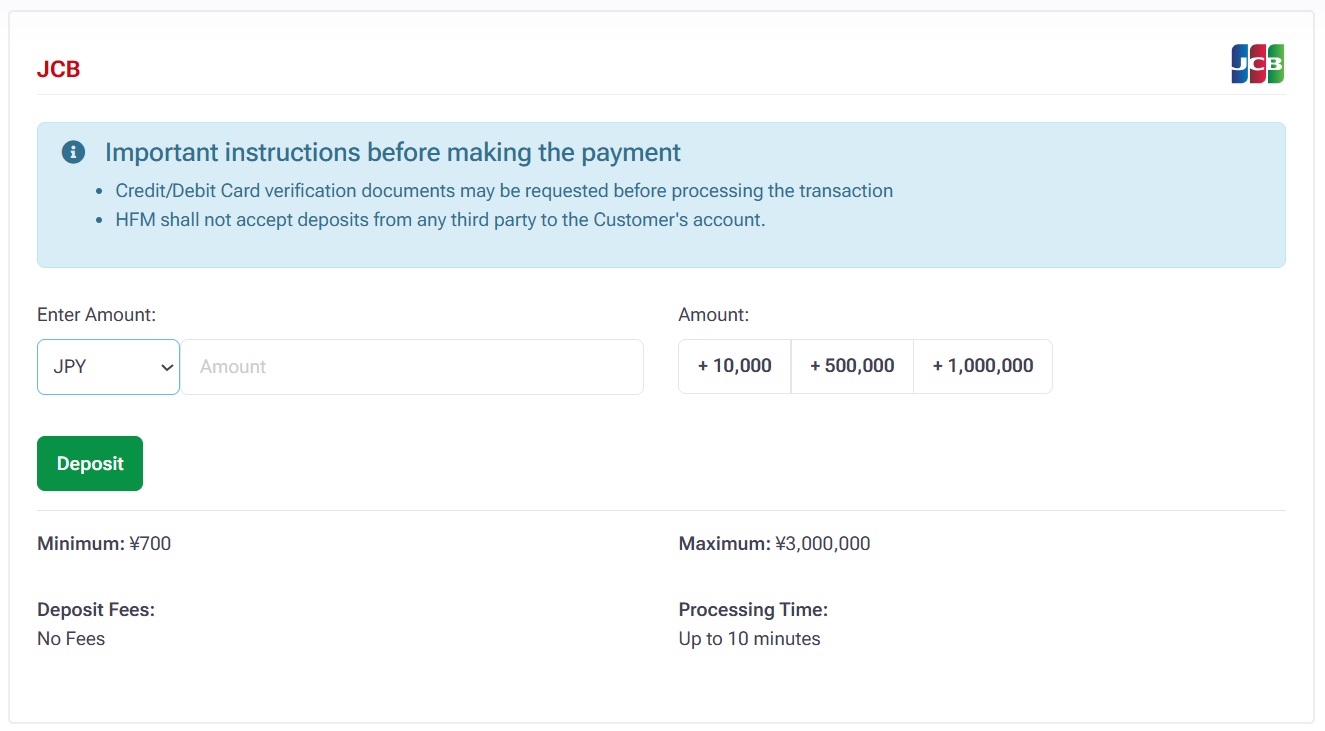
Fill out the information.
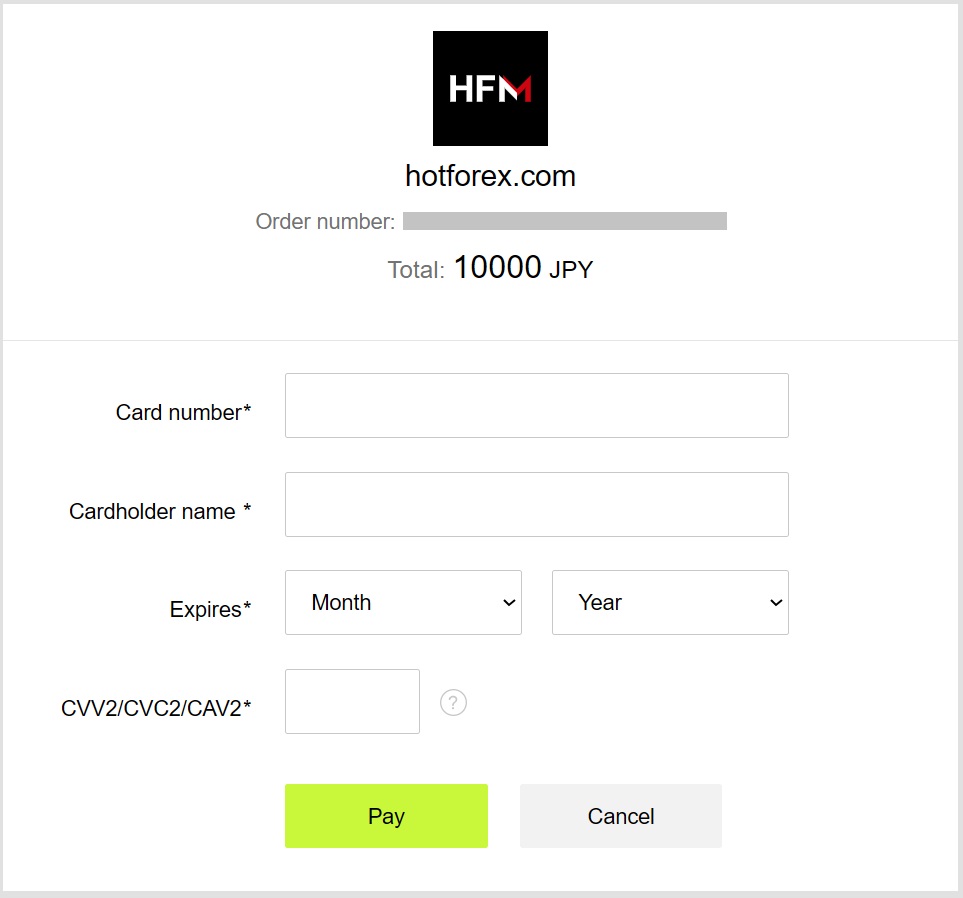
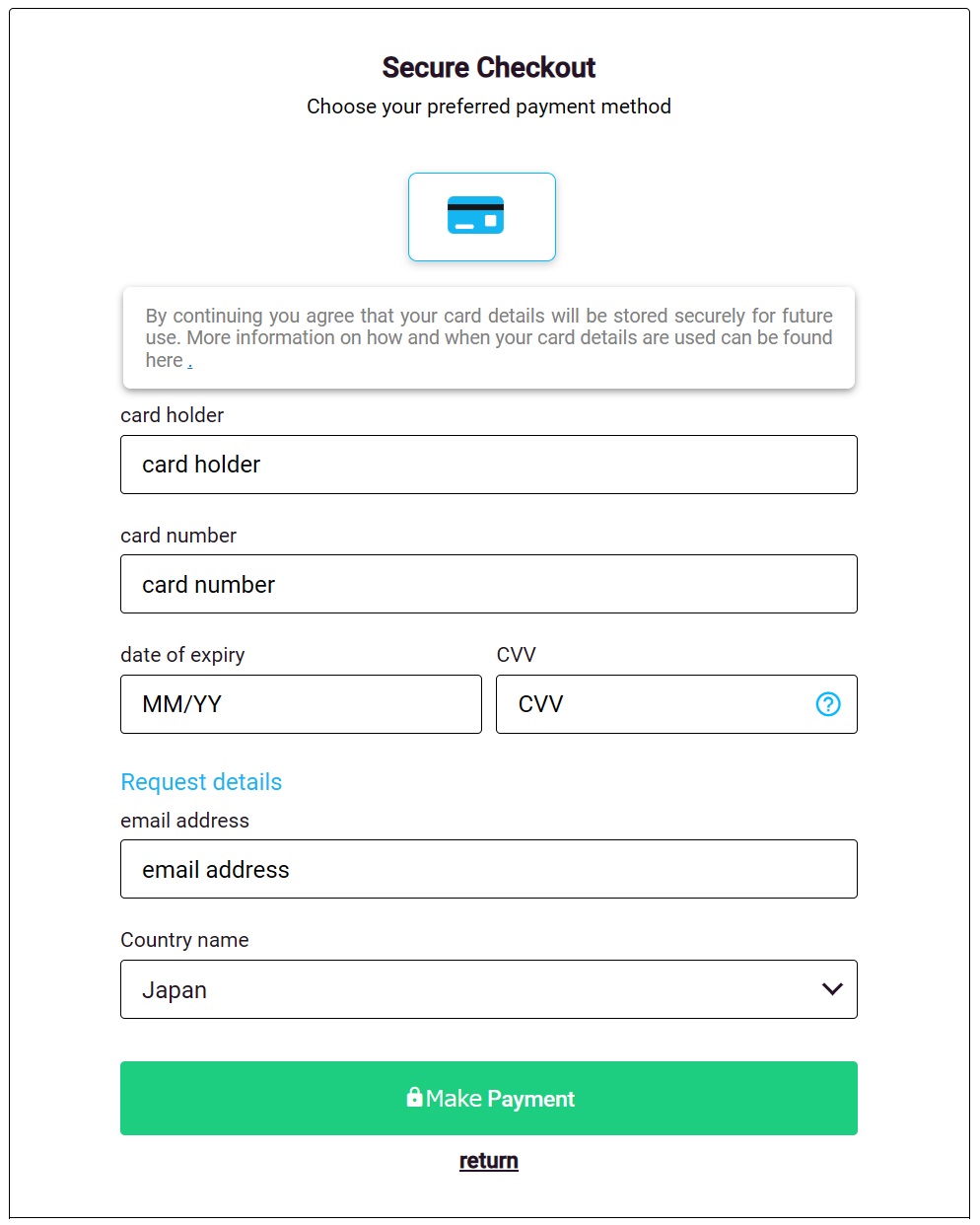
Fill out the information and make payment.
Cryptocurrency Deposit Methods
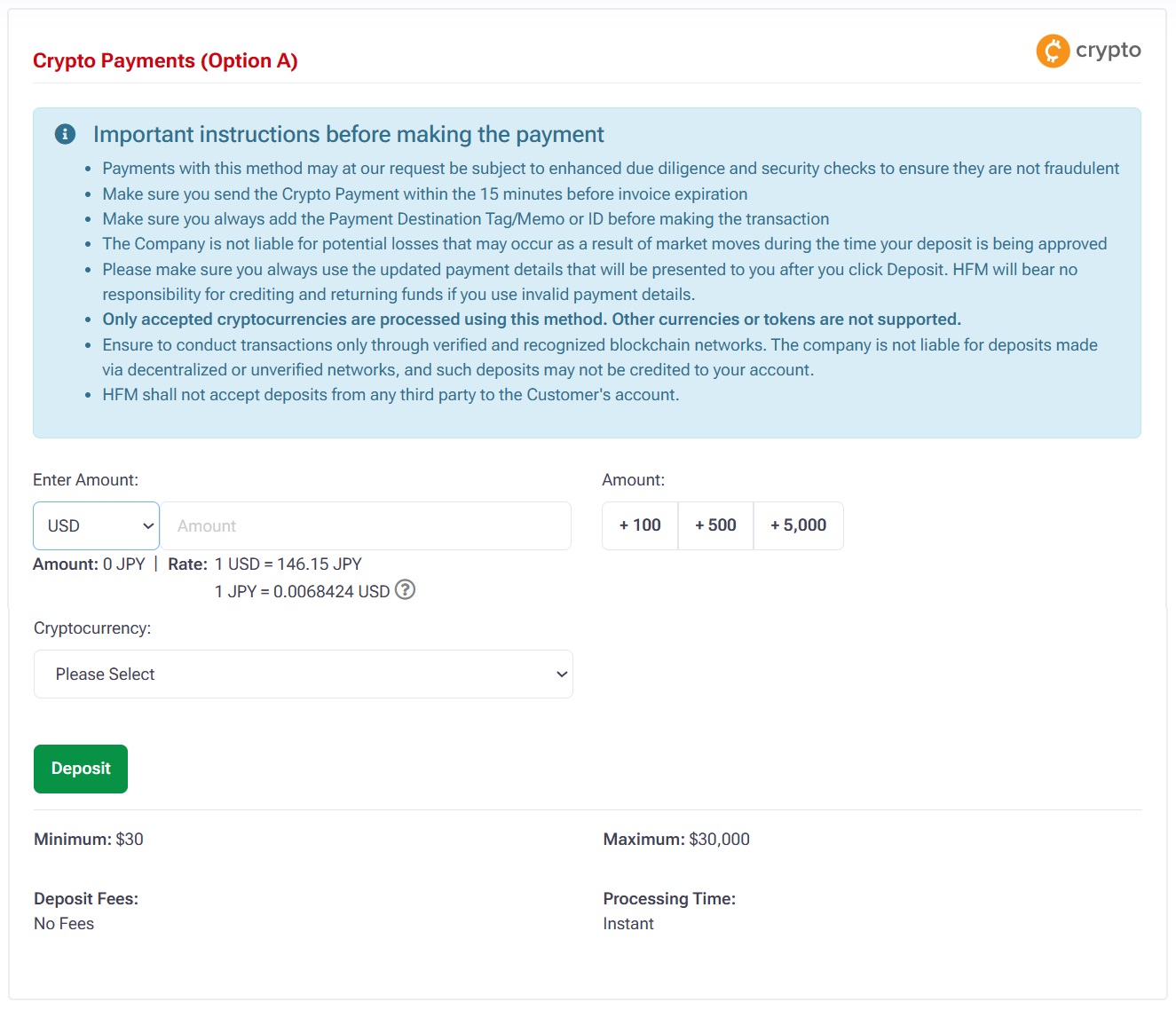
In the myHF area, in the Deposit option, select “Crypto Payments”.
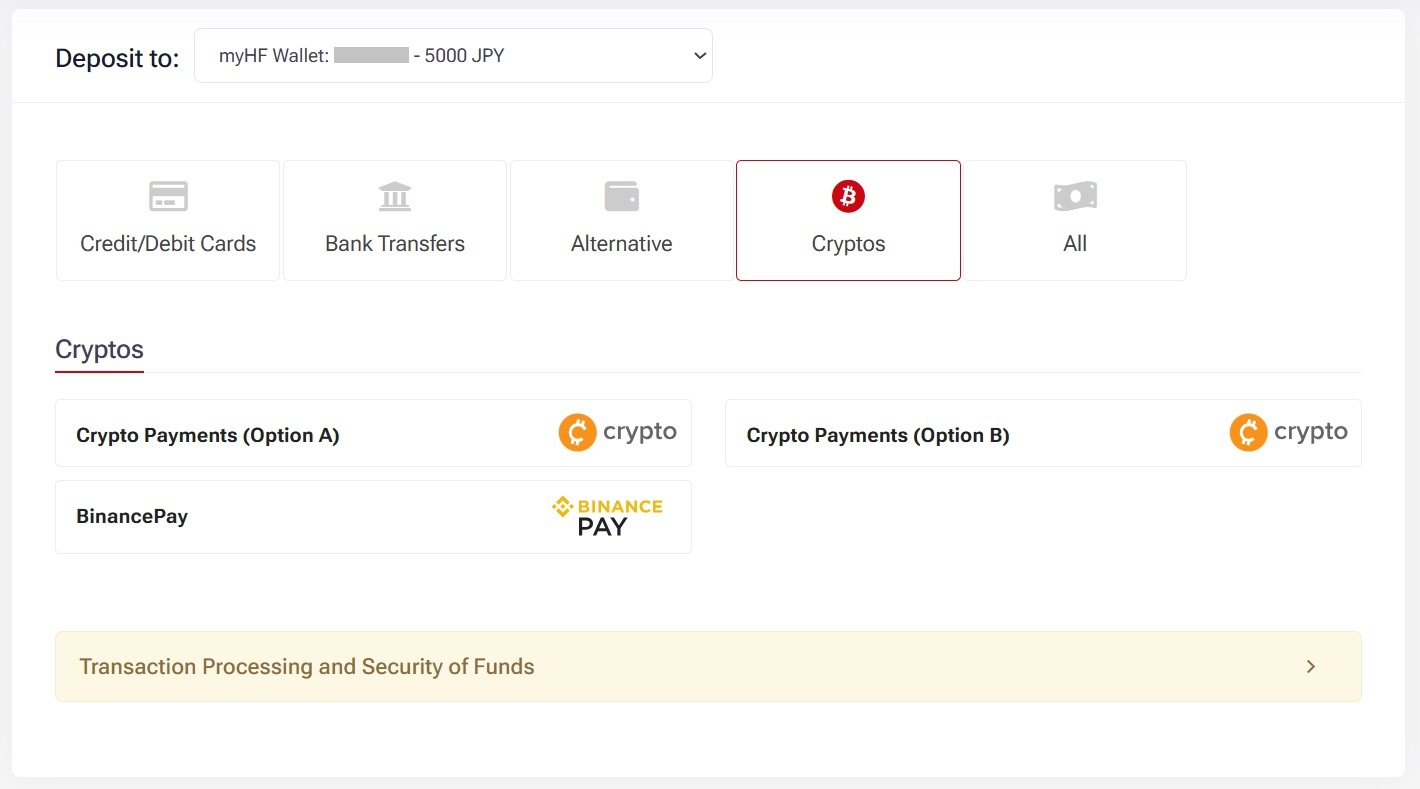
Select the currency and enter the deposit amount.
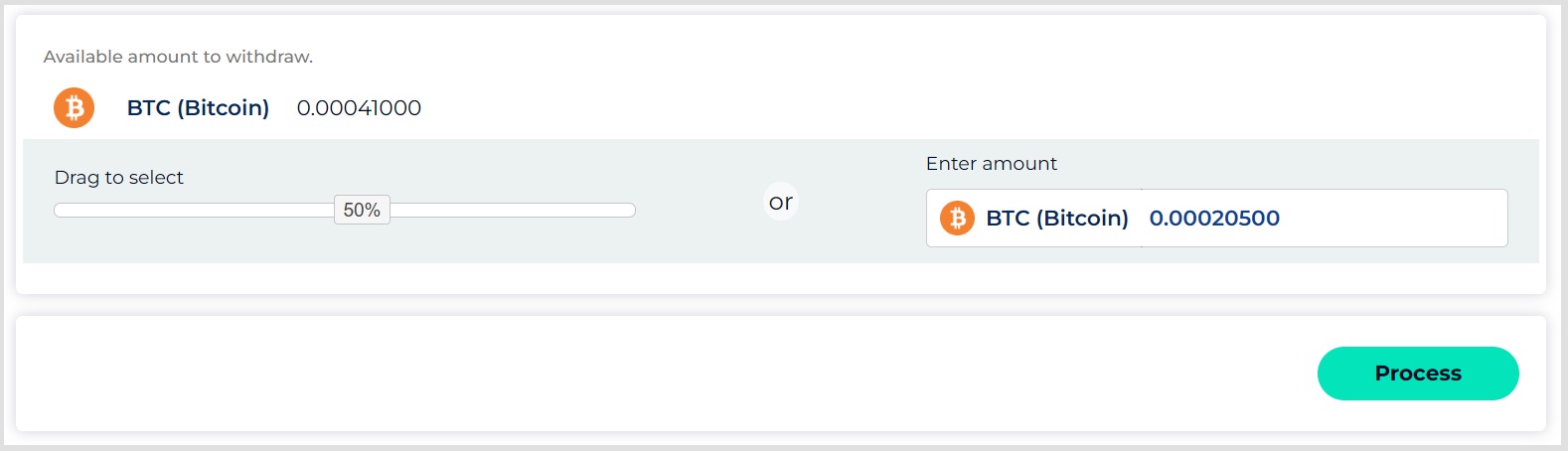
Select the type of virtual currency under “Accepted Cryptocurrencies” and click “Deposit”.
Scan the displayed QR code and follow the instructions on the screen to deposit, the virtual currency deposit application is completed.

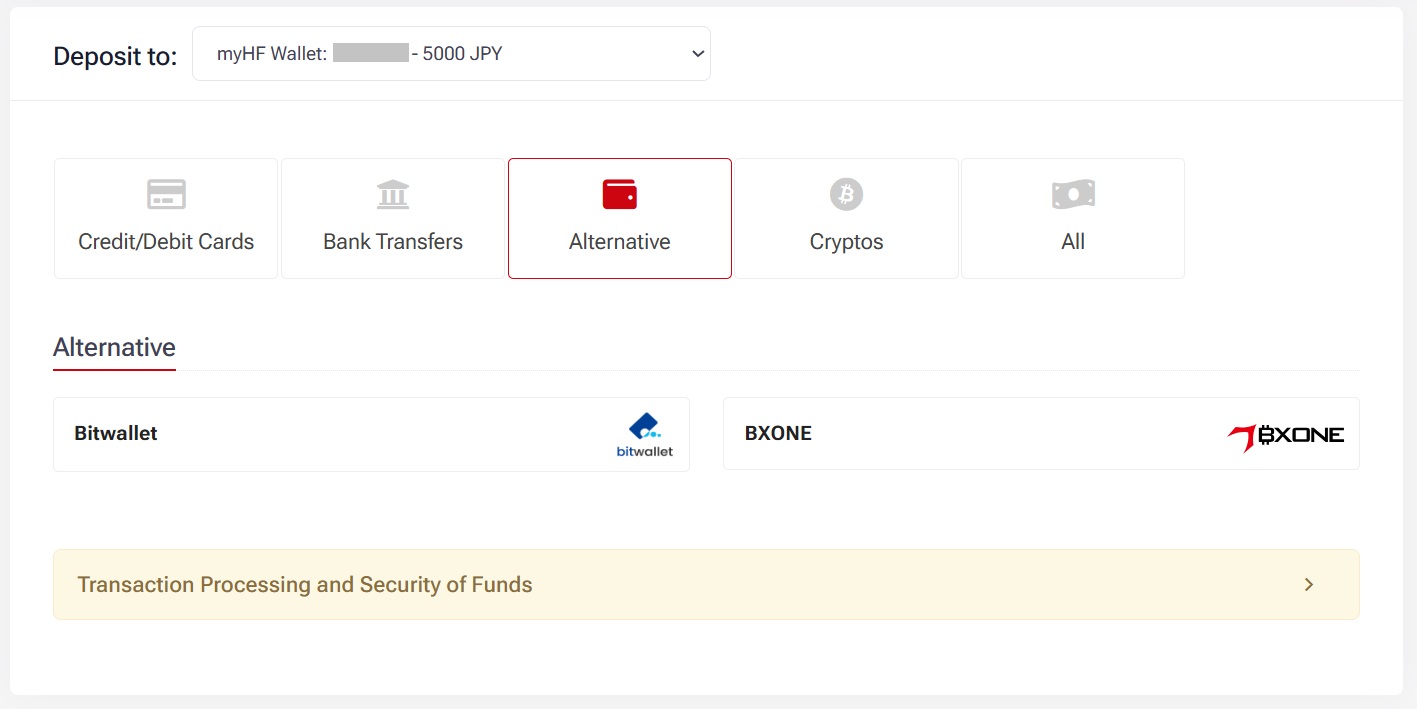
BXONE
Choose BXONE
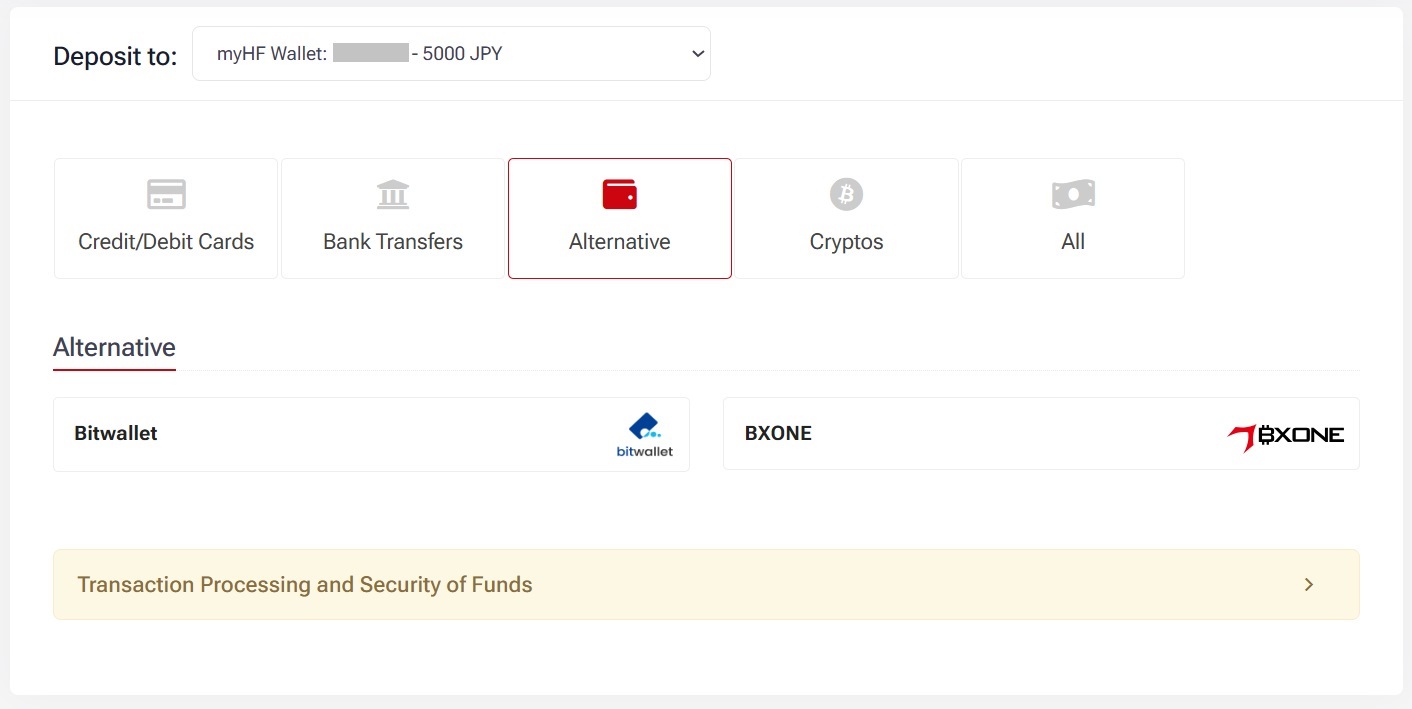
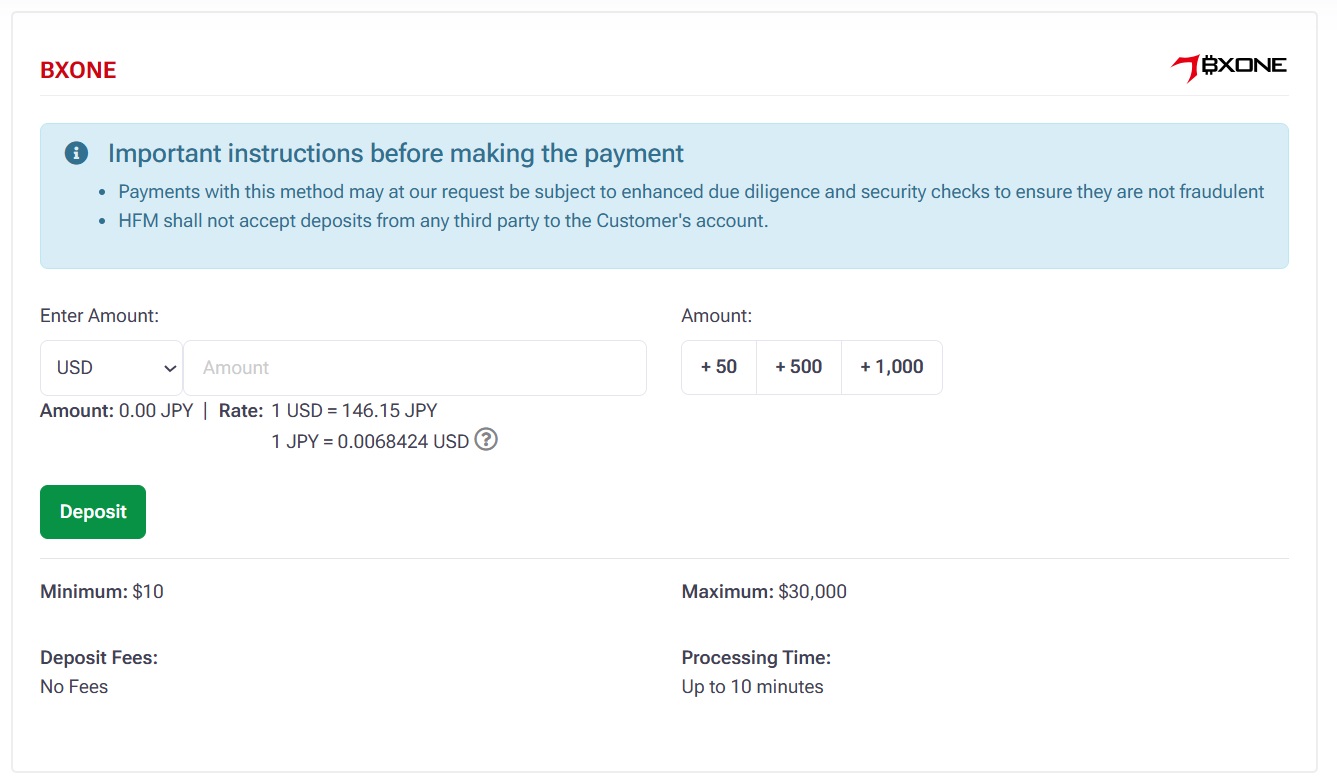
Put amount and click Deposit.
Login
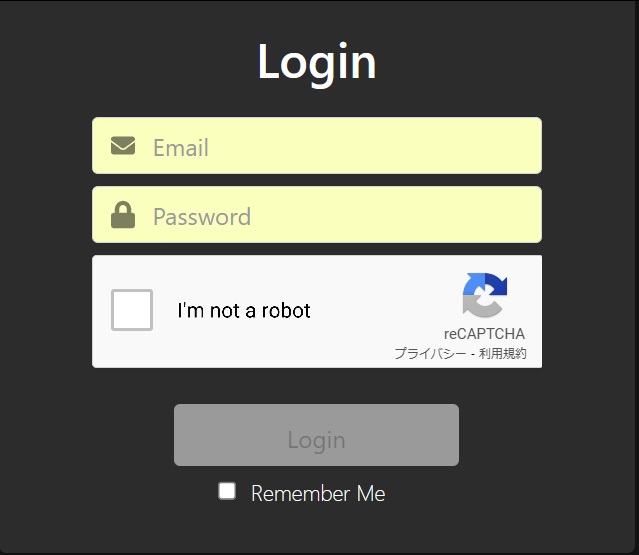
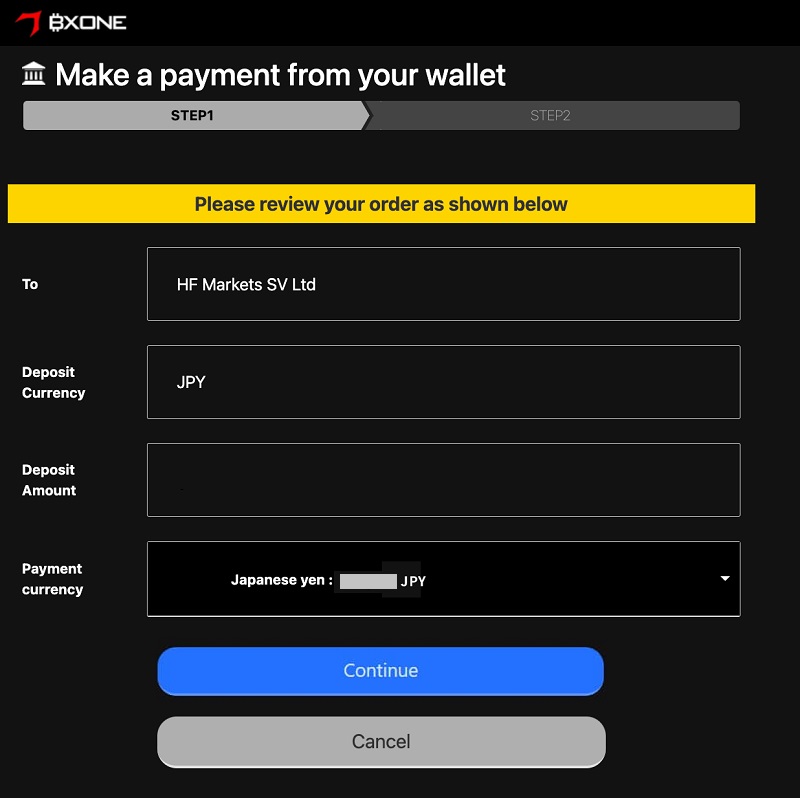
Fill out the info and Continue.
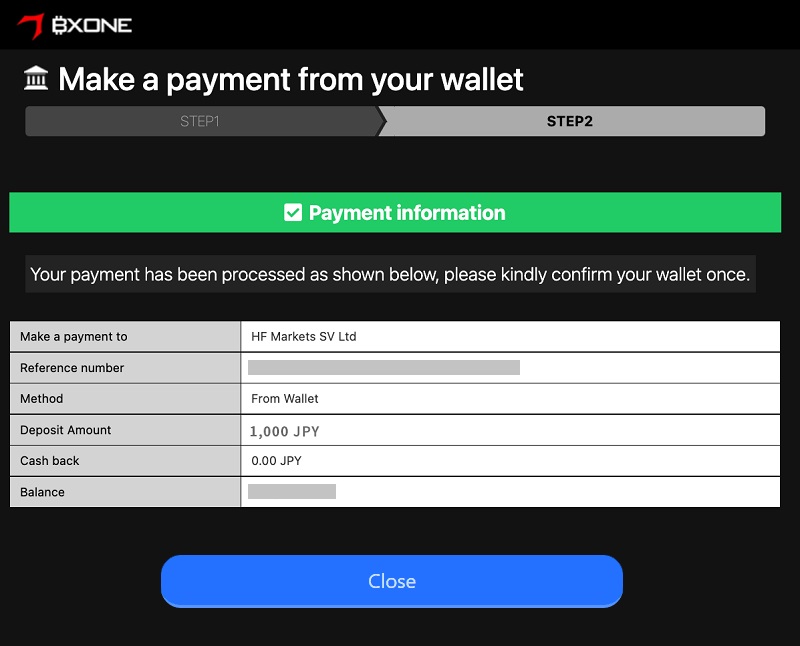
Complete the payment.
Bitwallet
Choose Bitwallet.
Cryptocurrency
Choose crypto.
Put the amount and Deposit.
Scan QR code and complete the payment.
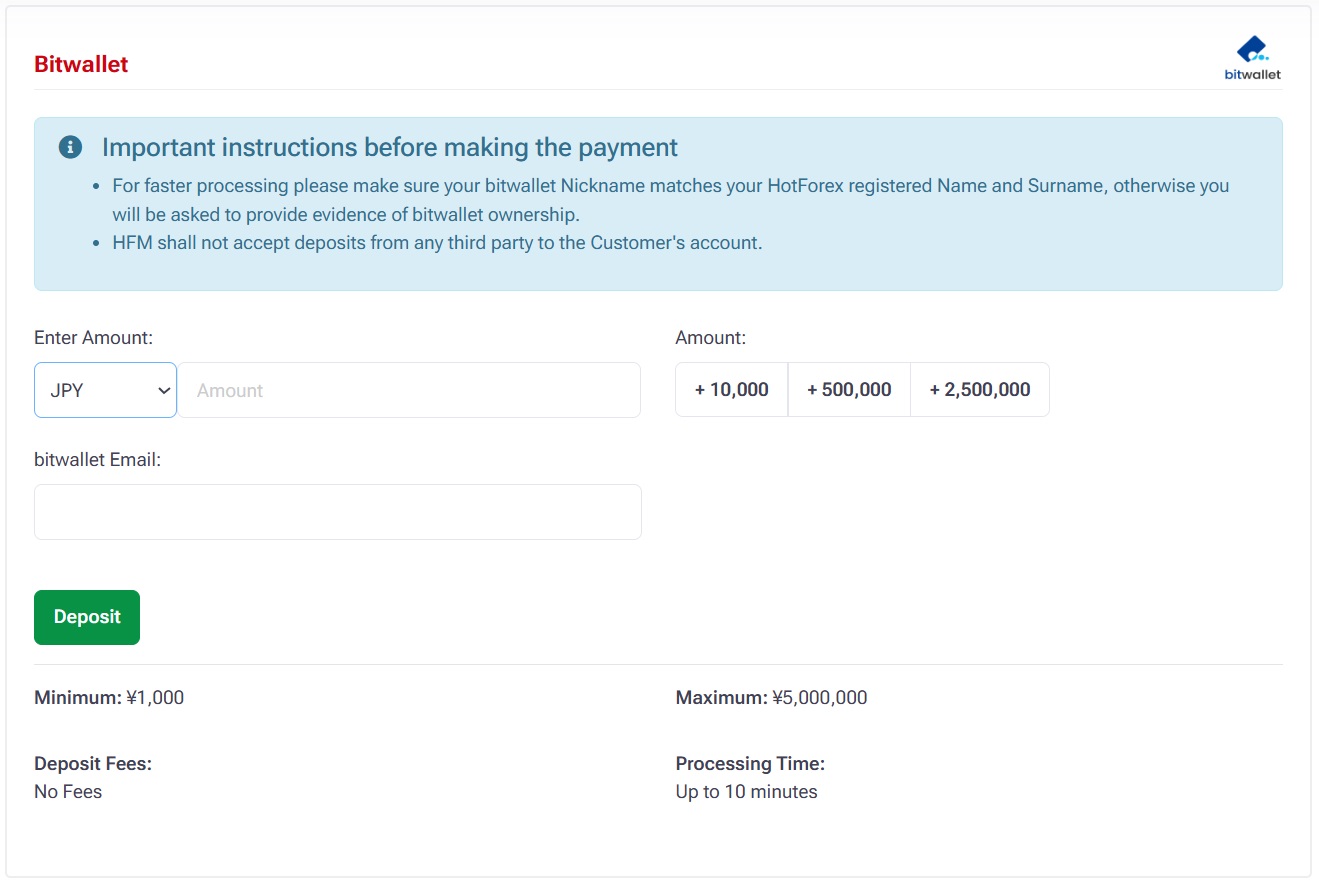
Bitwallet
Choose Bitwallet
Fill out the info and Deposit.
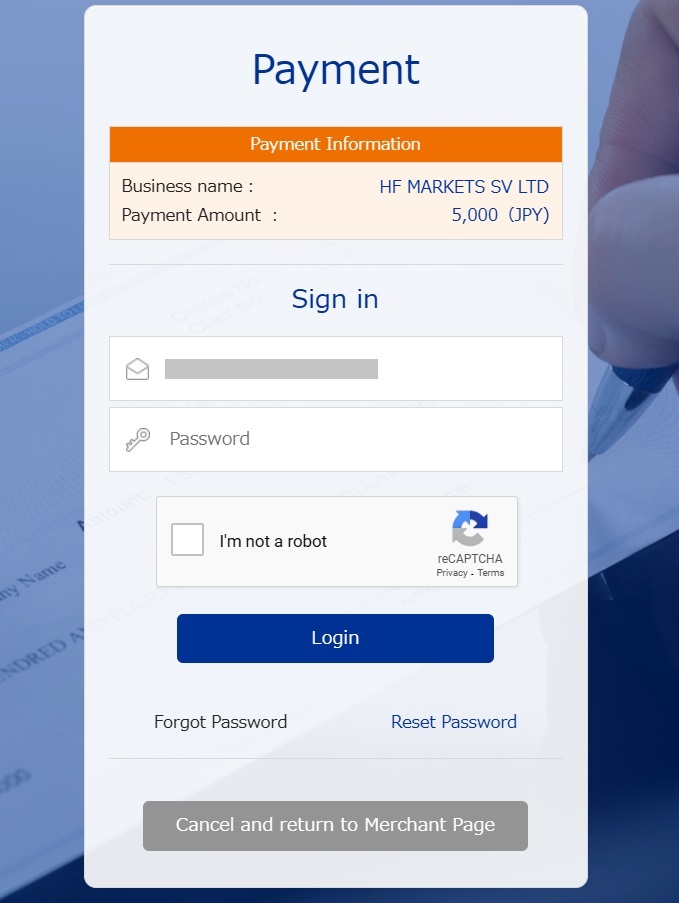
Login
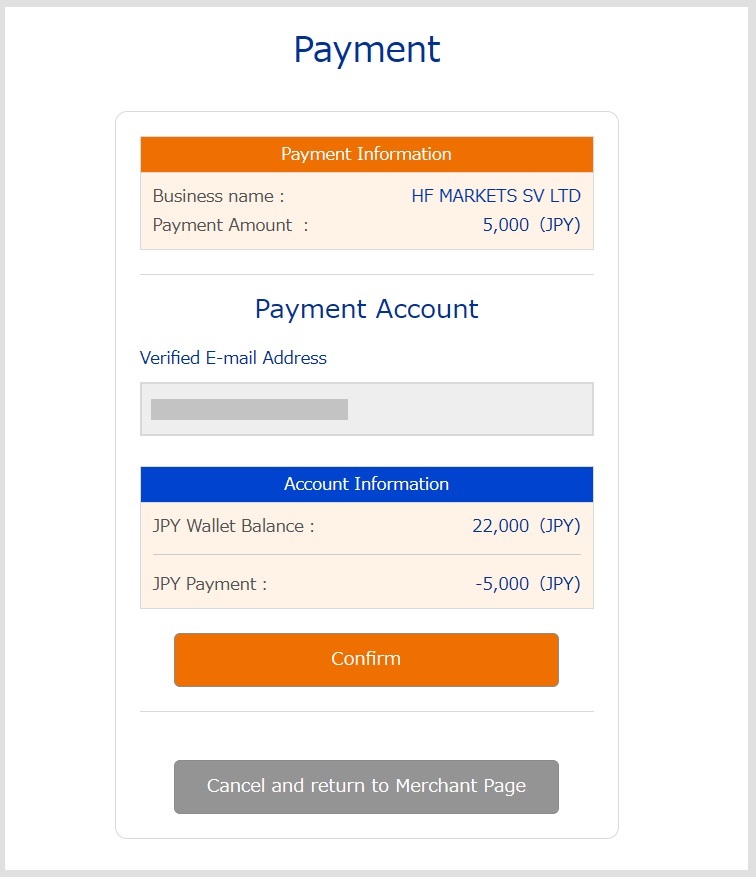
Verify email and Confirm.
This is an introduction to the HFM deposit process.