
XM(XM Global)’s deposit process
XM (XM Global) offers the following deposit methods.
| Deposit Method | Minimum Deposit | XM Deposit Fee | Deposit Time |
| Local Bank Transfer | 5 USD | None※ | In a hour |
| VISA,Credit Card | 5 USD | None | Immediate |
| STICPAY | 5 USD | None | Immediate |
The following section describes the steps for each deposit method.
Domestic Bank Transfer Deposit Procedure
Please note that a handling fee may be charged for deposits made through domestic bank transfers.
To proceed with a deposit:
Log in to your XM (XM Global) Member Page.
Click on “Deposit” from the main menu or tap “Funding” at the bottom of the screen.
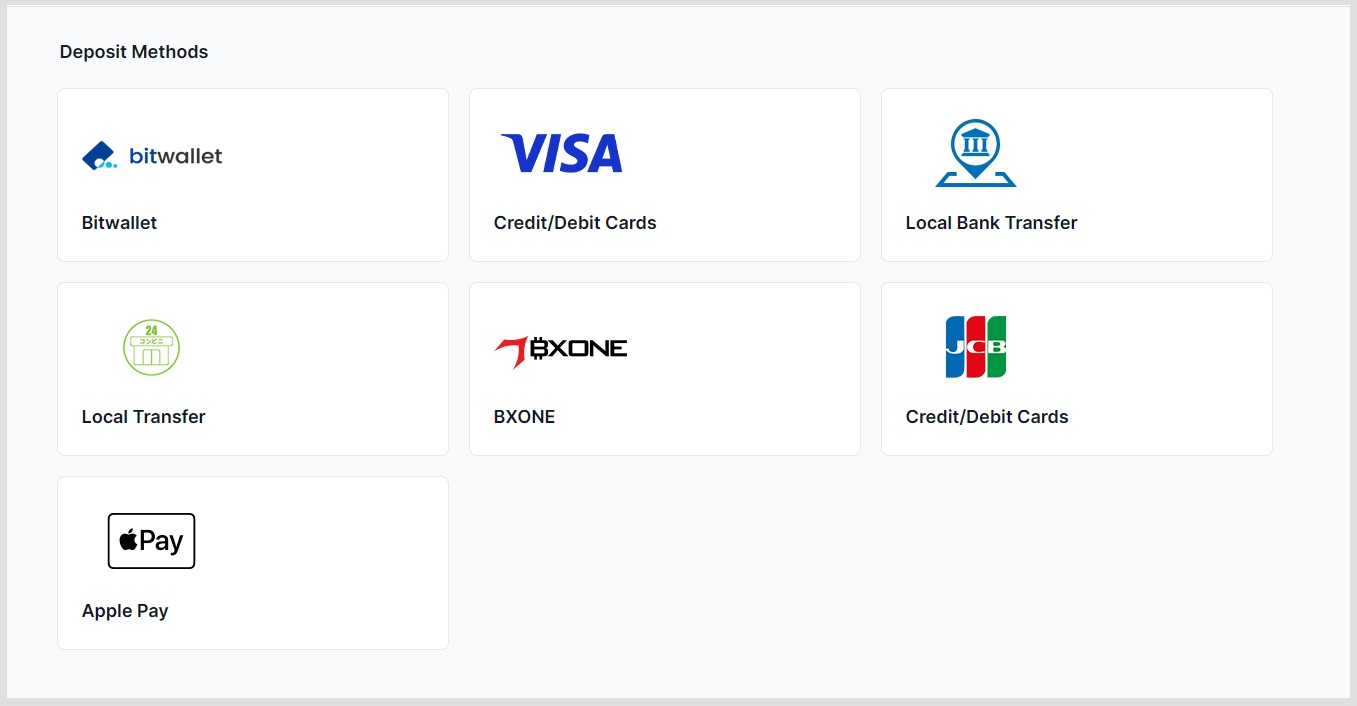
In the list of available deposit methods, select “Local Bank Transfer” and click “Deposit” to continue.
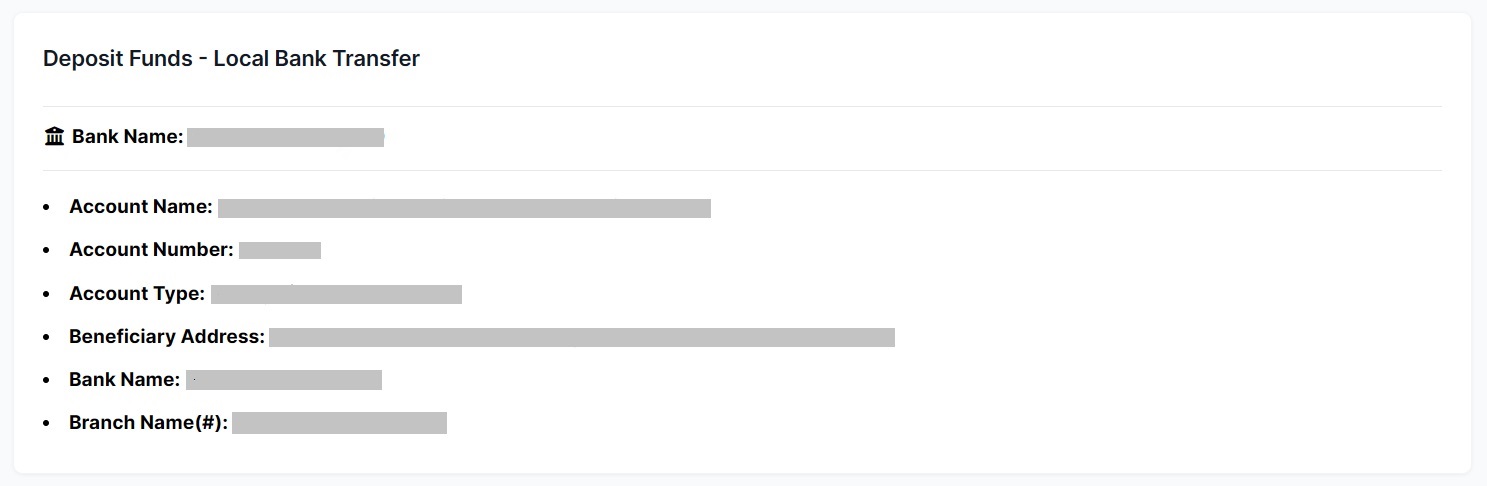
Next, transfer the funds to the bank account displayed on the screen.
In the “Remitter Information” field, be sure to include:
Your name (in Romanized characters)
Your MT4/MT5 account number
Credit Card / Debit Card Deposit Procedure
Steps to Deposit:
Log in to your XM (XM Global) member account.
Click on “Deposit” in the menu or “Funding” at the bottom of the screen.
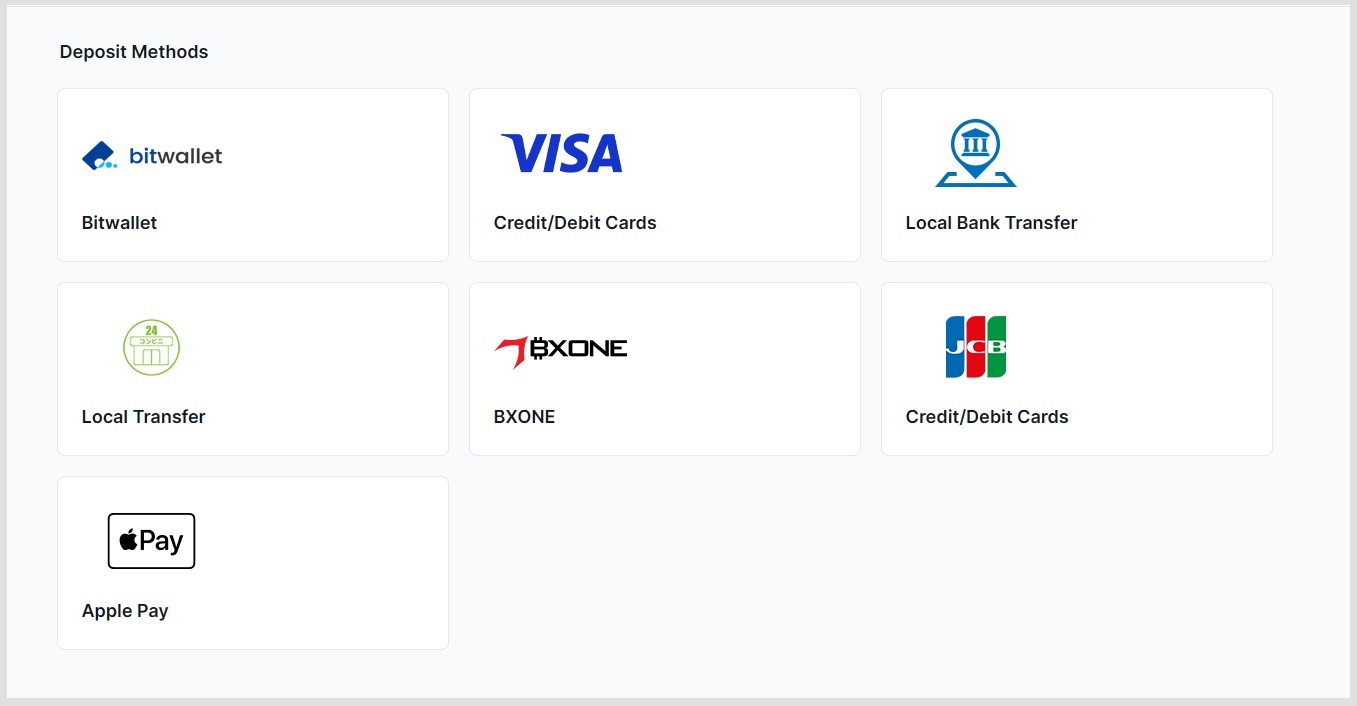
From the deposit options, select “Credit/Debit Cards” and then click “Deposit”.
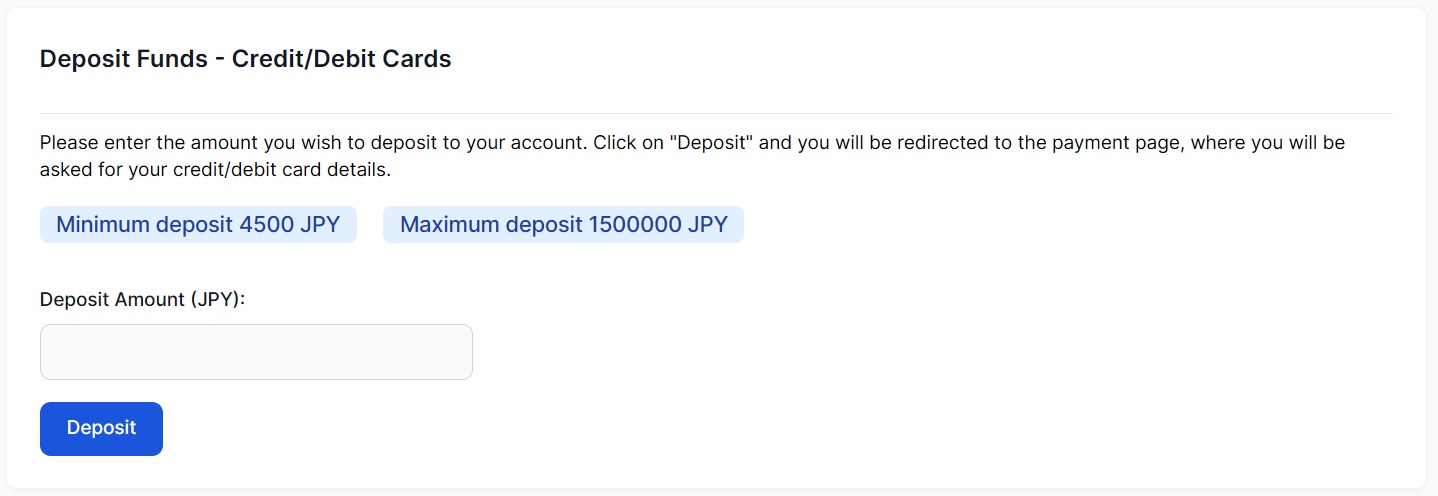
After you have entered your deposit amount, click “Deposit”.
Confirm the Deposit Account Number and Deposit Amount, then click “Confirm”.
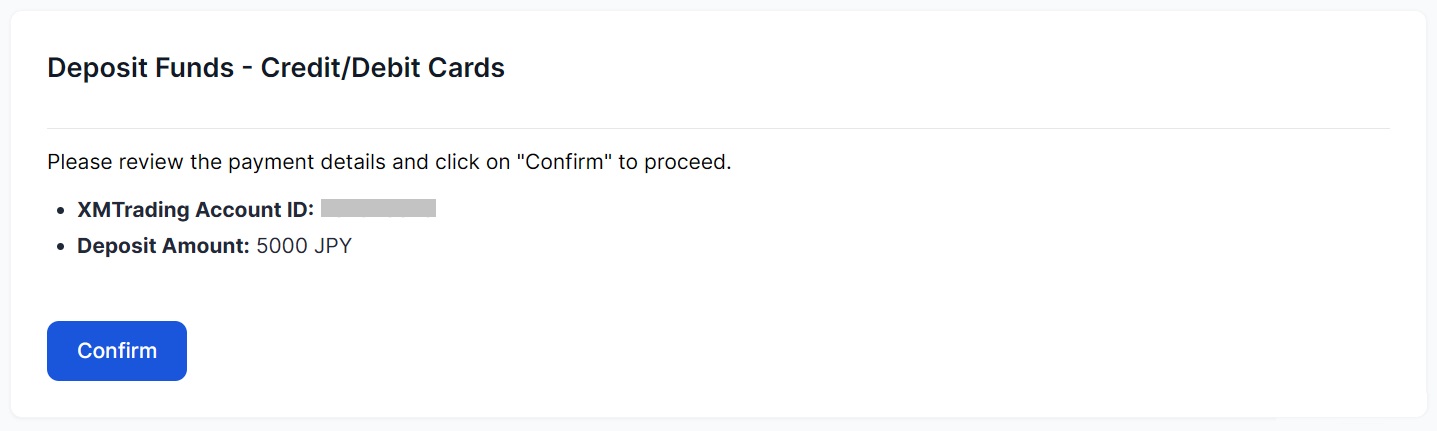
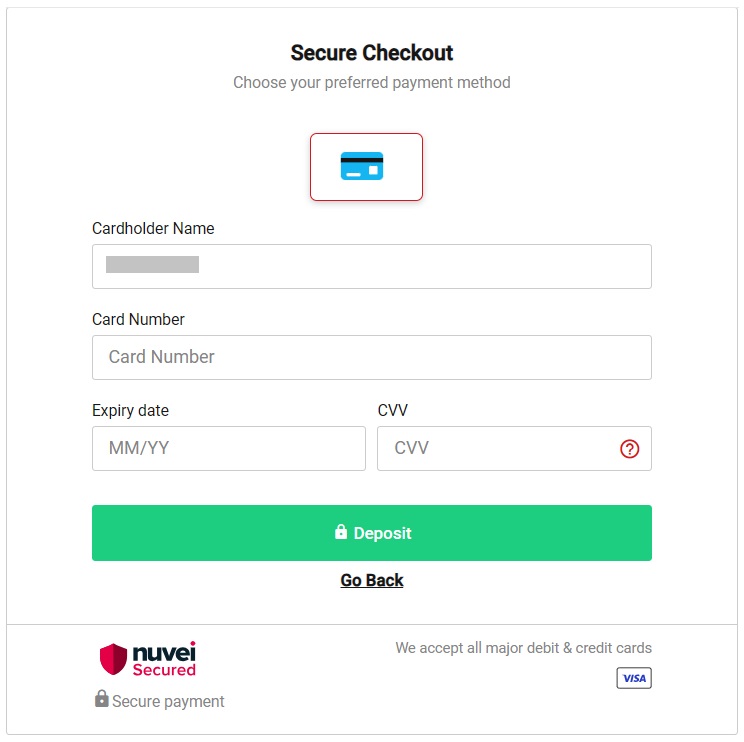
After entering your credit card information, click “Pay” to complete your credit card deposit request.
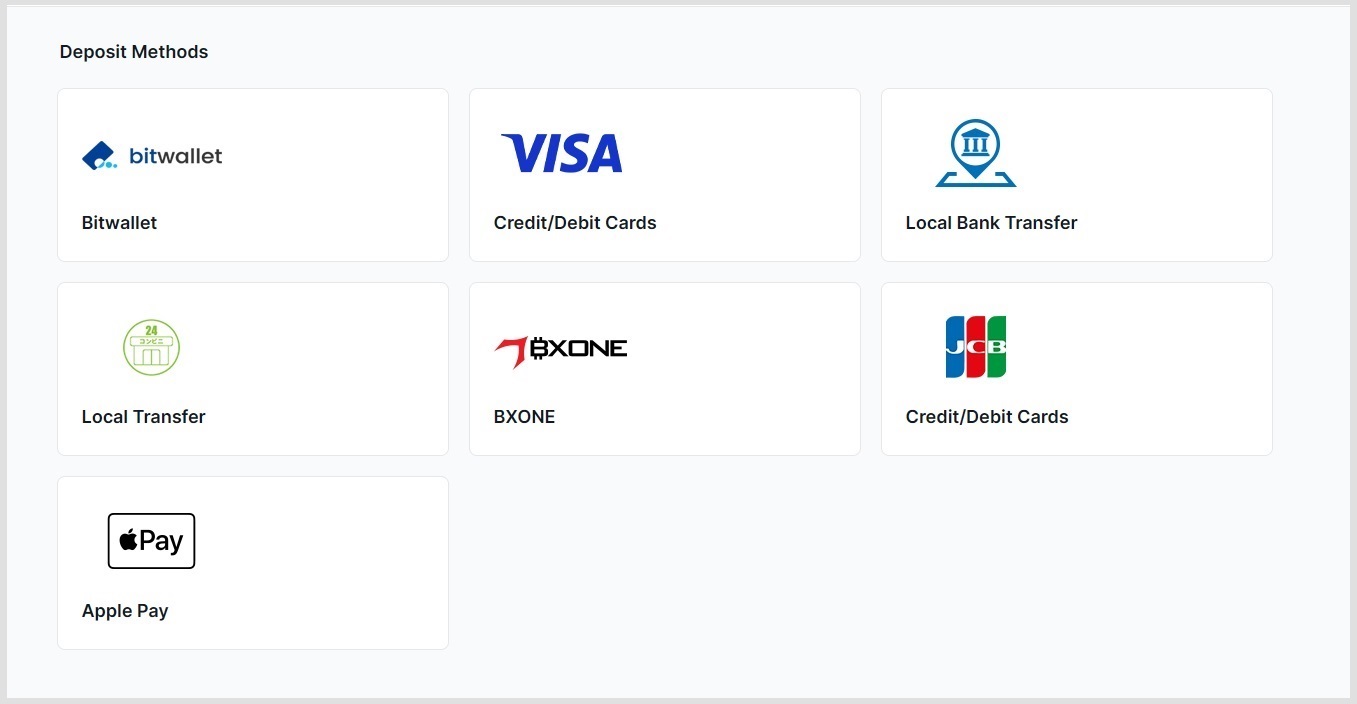
Local Transfer
Choose local transfer.
Deposit Funds amount.
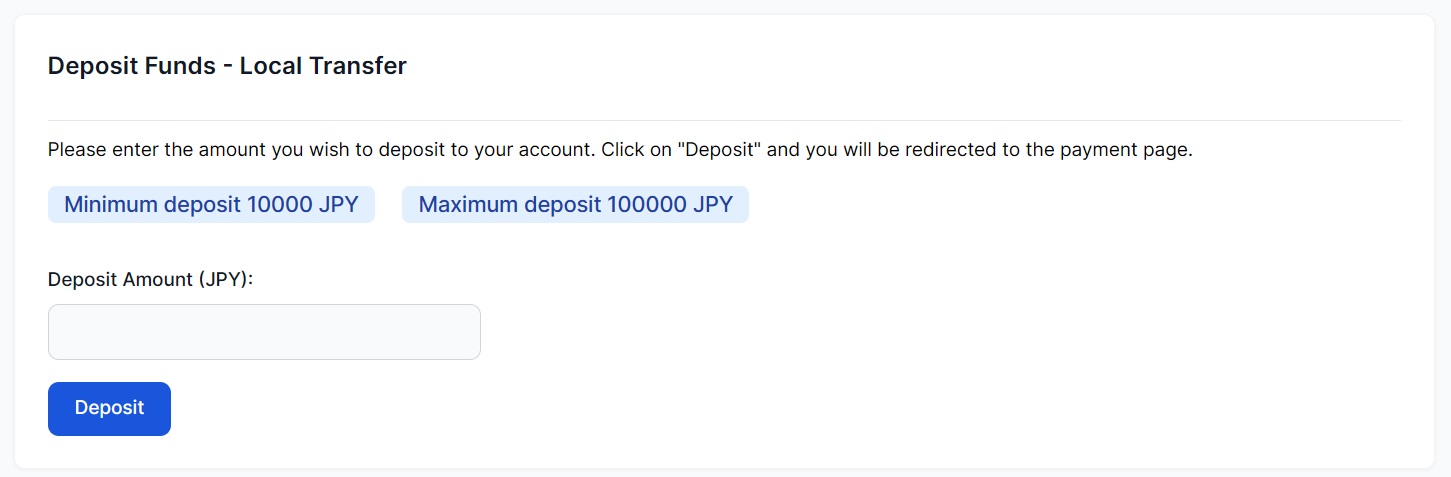
Enter the following information.
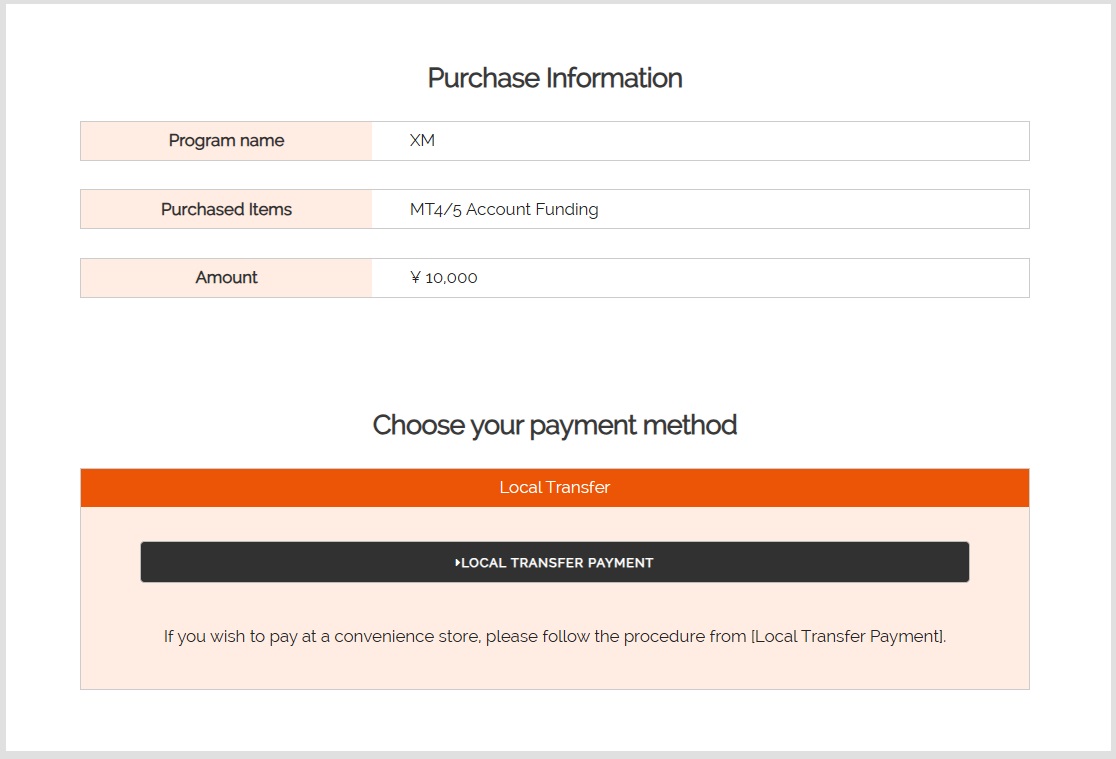
Check ok, then it will be good.
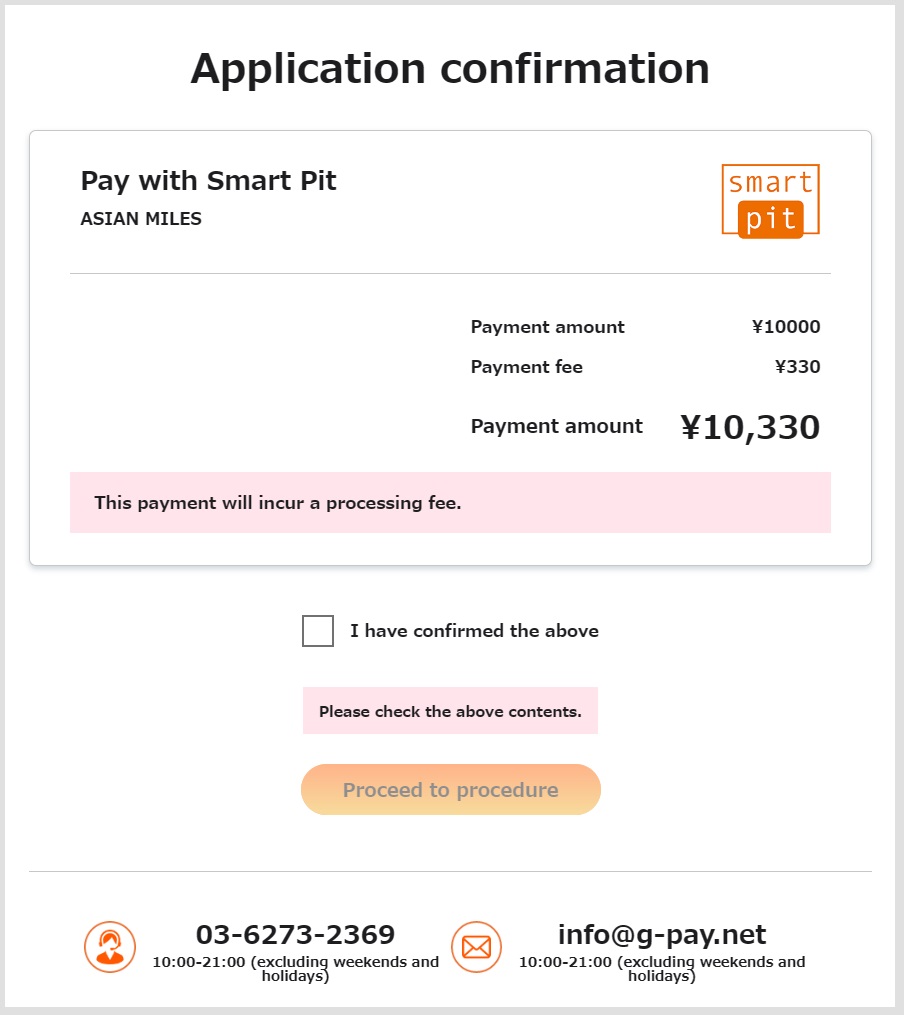
Bitwallet
Choose Bitwallet.

Put the amount.
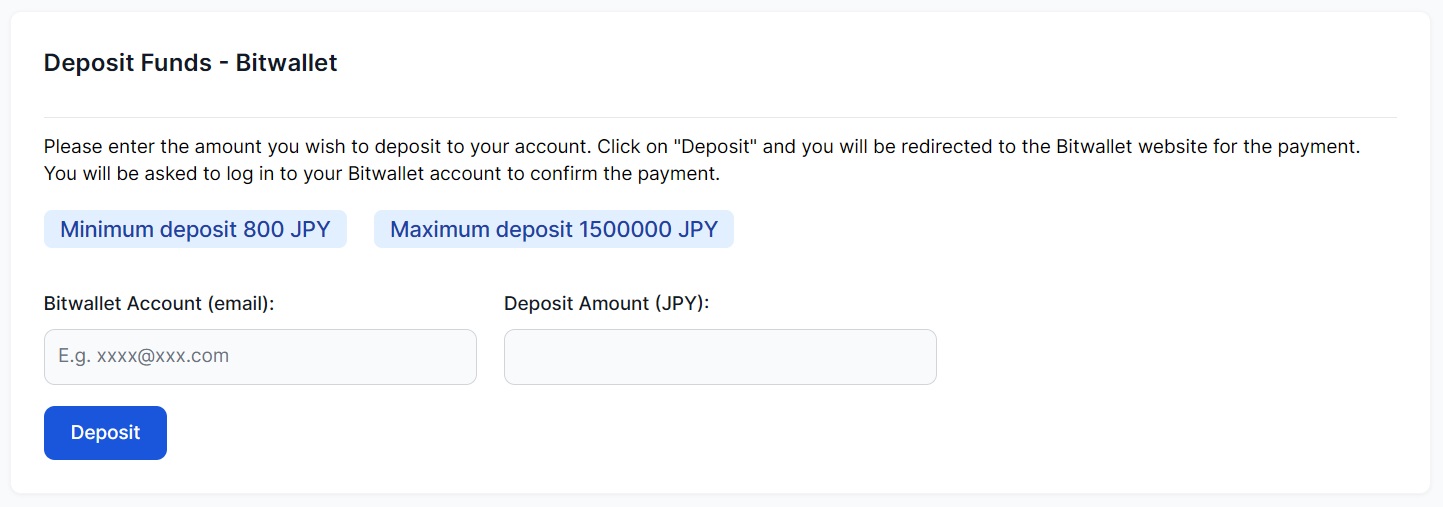
Check the all information is correct.
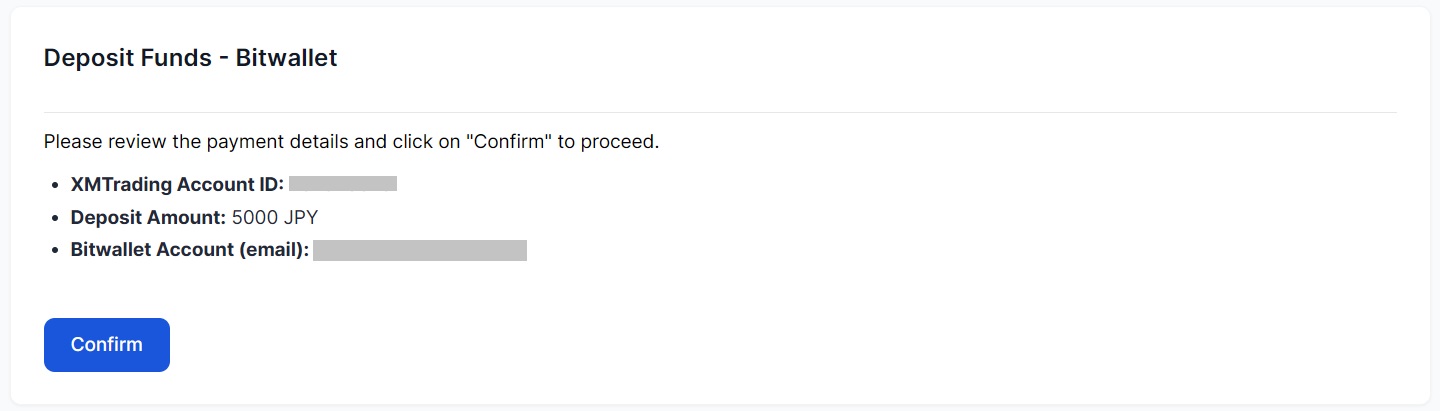
Check again, and click confirm.
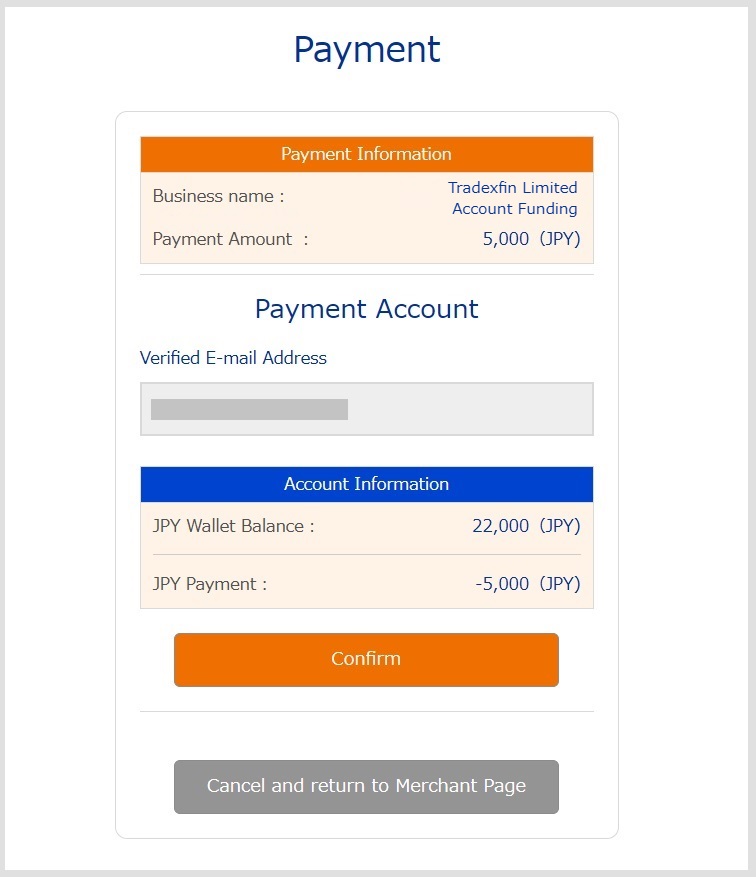
Bxone
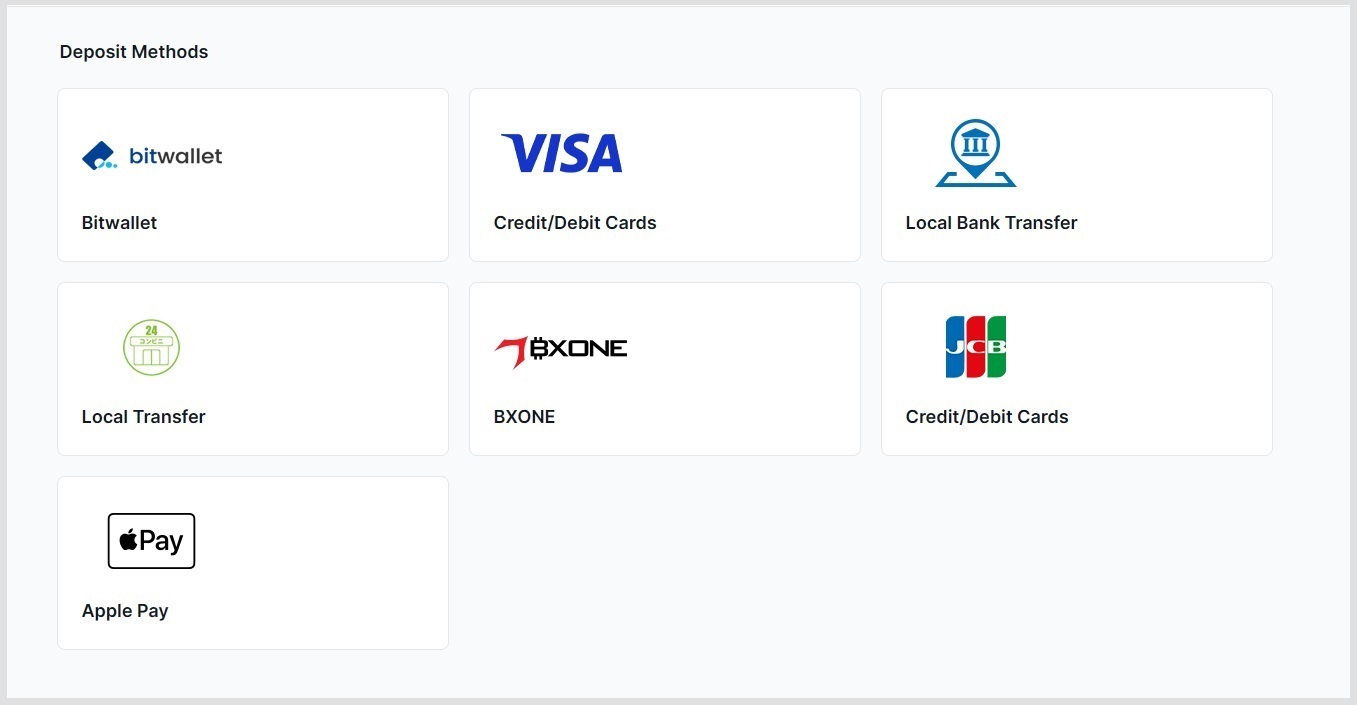
Choose Bxone.
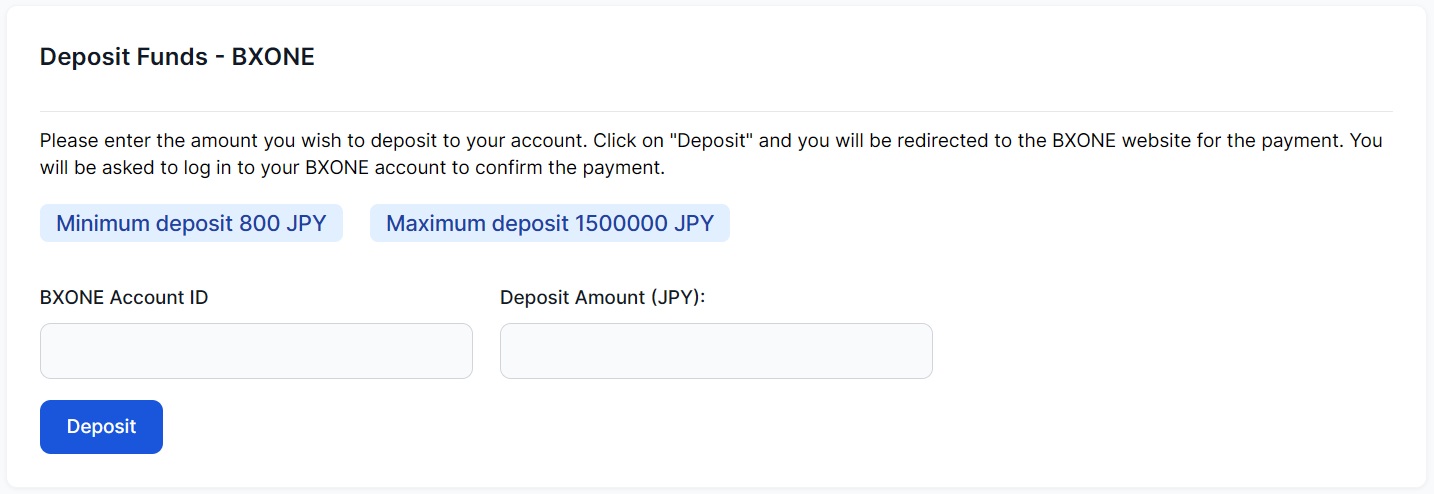
Put the amount and ID.
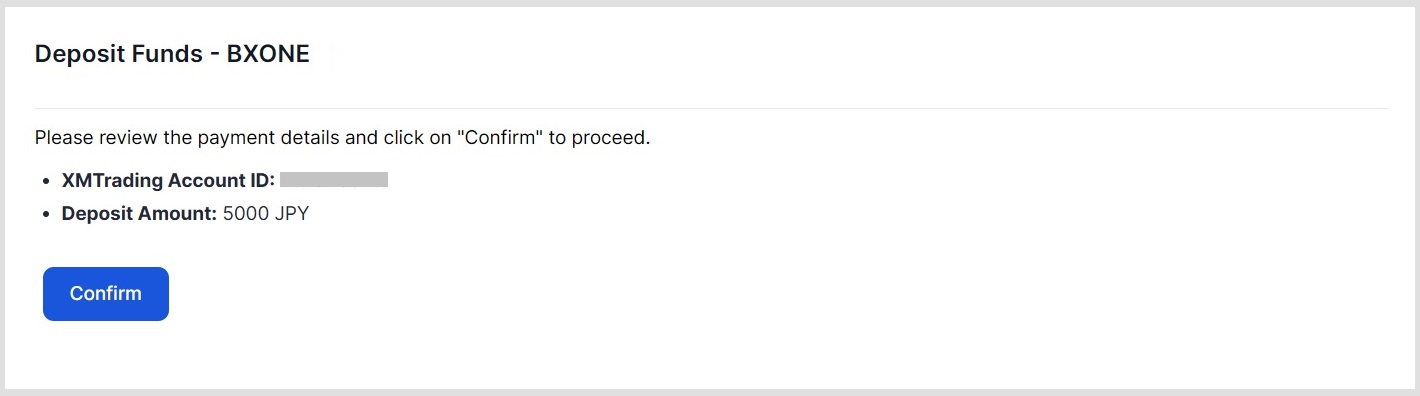
Check and Click Confirm.
Login Bxone, make sure fill the right information.
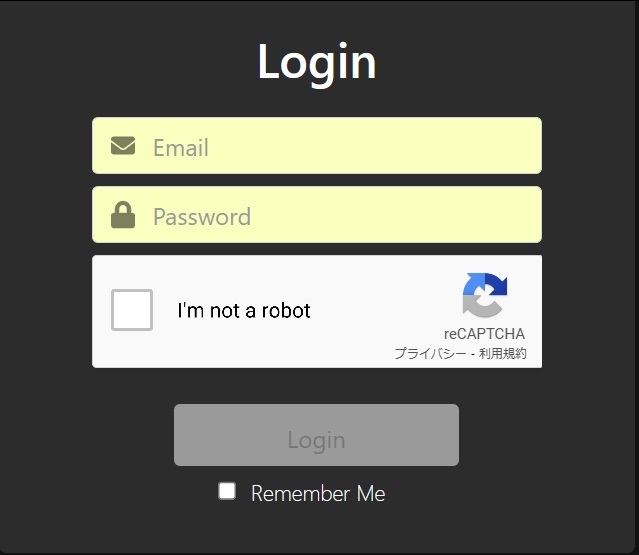
Check the all information and click CONTINUE.

The, the payment is completed.
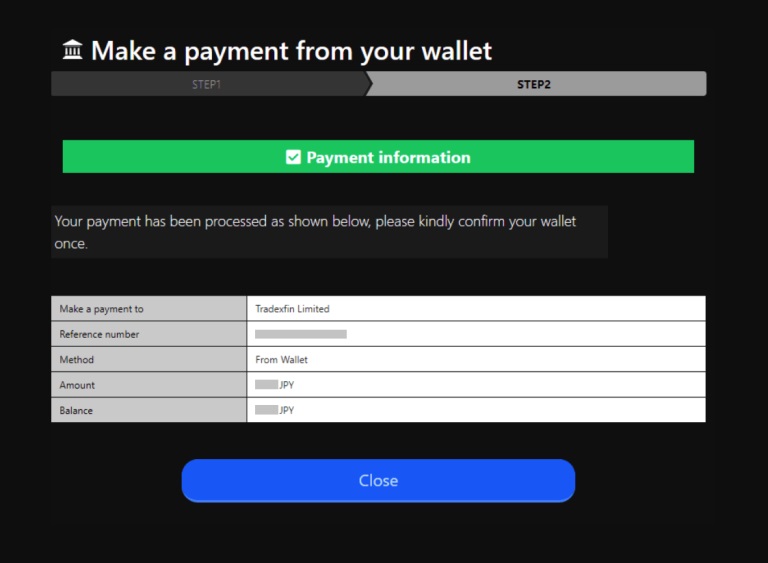
The above steps outline how to deposit funds into your XM (XM Global) trading account.