
Summary of HFM (HotForex) Withdrawal Procedures
HFM (HotForex) withdrawal methods are as follows:
| Minimum Withdrawal | Deposit Time | Withdrawal Fee | |
| Domestic Bank Transfer | 100 USD | 2 Working days※ | No |
| Credit Card | 5 USD | 2~10 Working days※ | No |
| Neteller | 5 USD | Immediately | No |
| Skrill | 5 USD | Immediately | No |
| bitpay | 5 USD | 2 Working days | 1% |
| fastPay | 5 USD | Immediately | No |
Introduction to the HFM Withdrawal Process
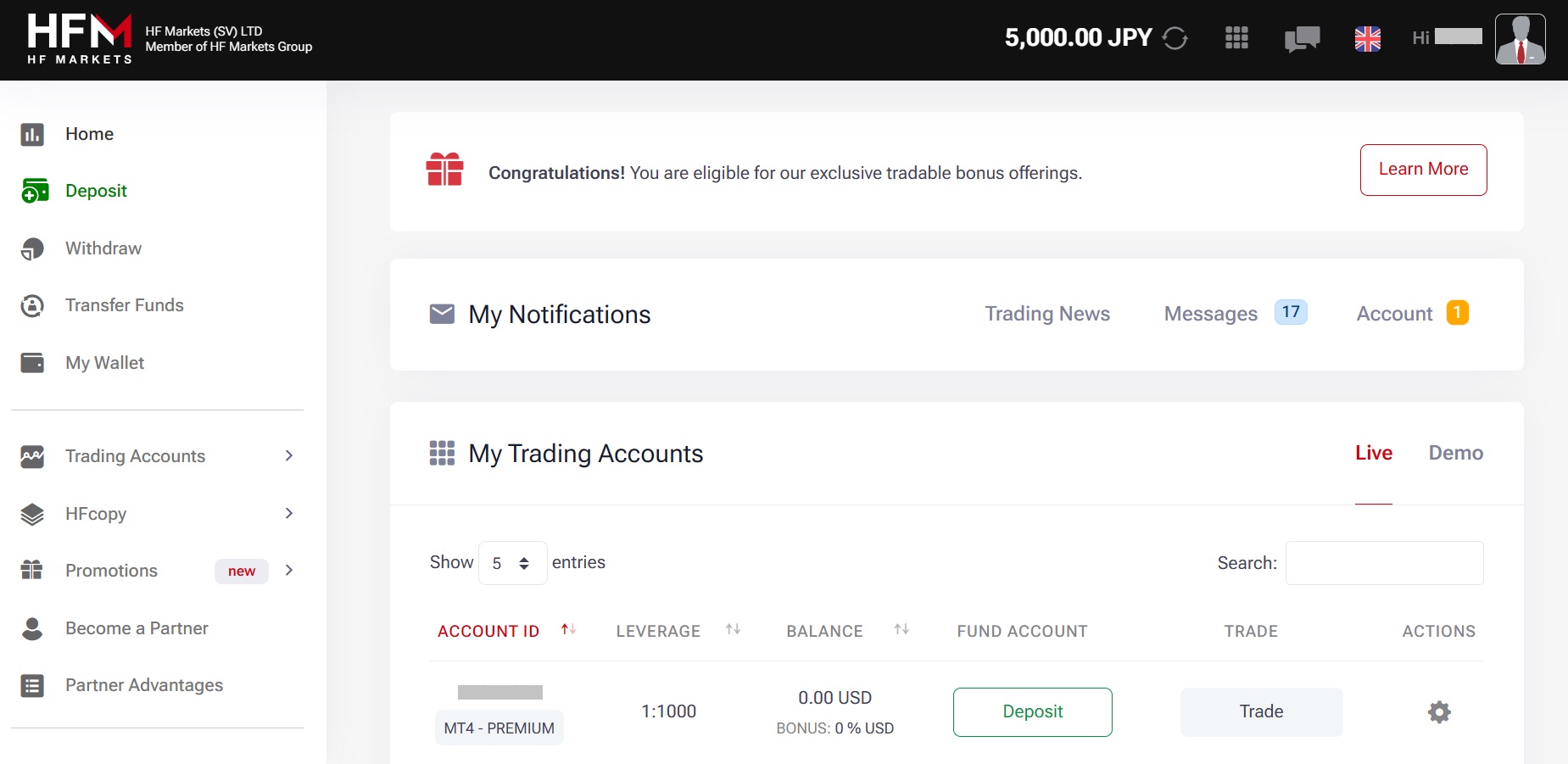
Withdrawing funds from your HFM account is a simple and secure process. To begin, log in to your myHF Area, where you’ll first need to transfer your funds from your trading account to your myWallet—HFM’s dedicated fund management account.
Once the funds are in your myWallet, click on the “Withdraw Funds” option to proceed. Please ensure your email and password are entered correctly if you’re having trouble logging in. Note that the exact steps may vary slightly depending on your bank or withdrawal method.
In the following section, we’ll walk you through the different withdrawal options available.
Domestic Bank Transfer Withdrawal Methods
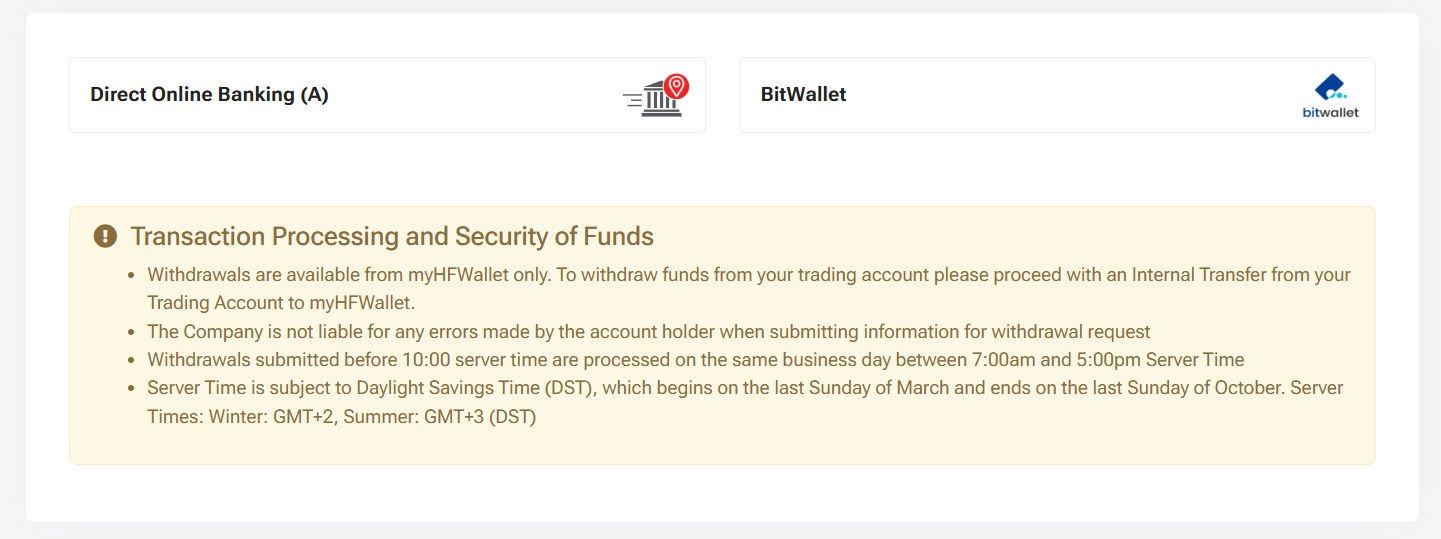
Select “Direct Online Banking” from the withdrawal methods in the myHF area.
Completing Your Withdrawal via Domestic Bank Transfer
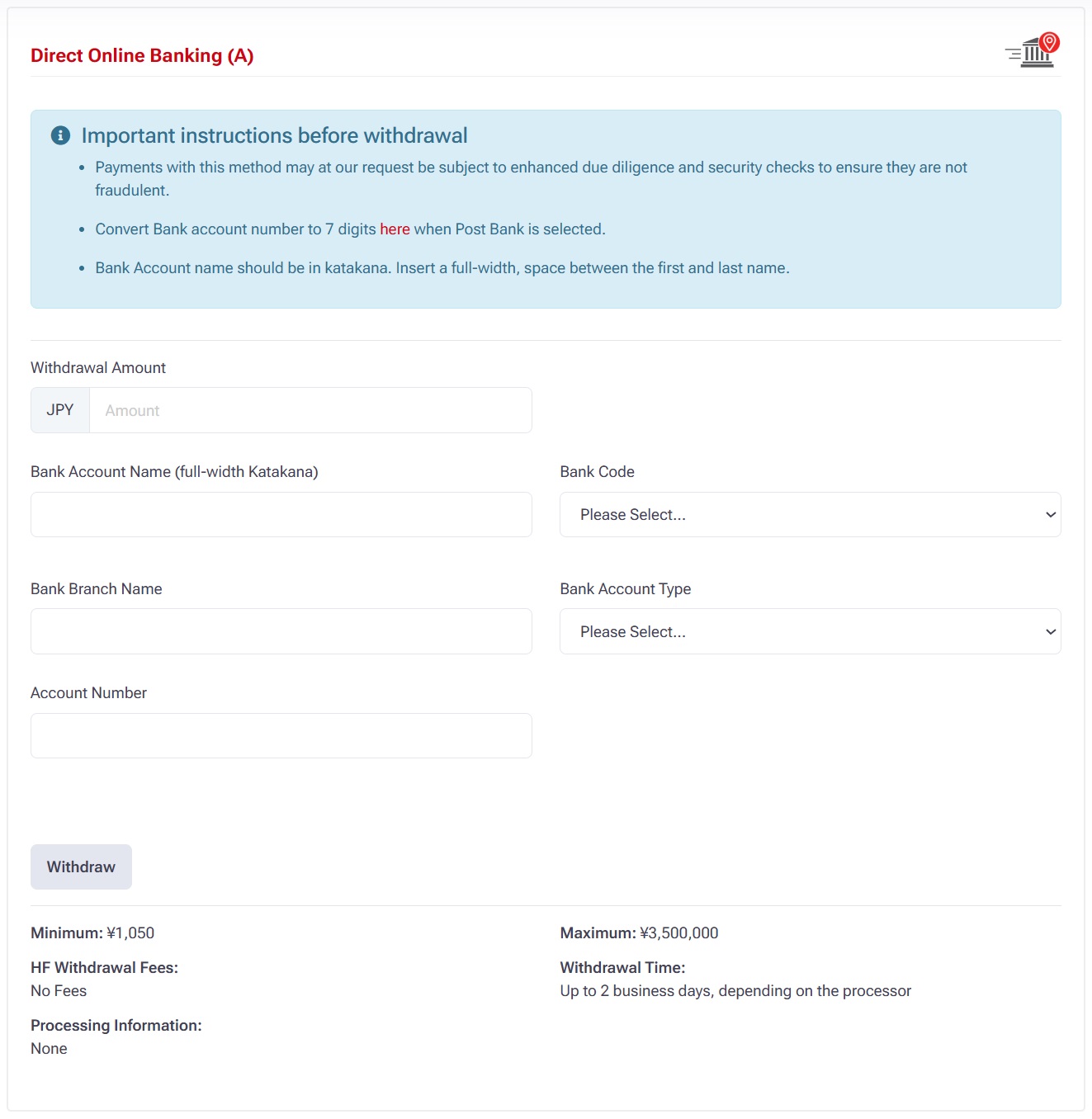
To proceed with a domestic bank transfer:
Enter the “Withdrawal Amount” you wish to transfer.
Fill in the required personal and banking information accurately to ensure a smooth transaction.
Once all details are complete, click the “Withdrawal” button to submit your request.
Your withdrawal request will now be processed. Be sure to double-check all entered details to avoid any delays.
Once the screen displays “Withdrawal Request Submitted Successfully”, your withdrawal request has been successfully completed.
You will receive a confirmation notification, and the funds will be processed shortly according to HFM’s standard withdrawal timelines.
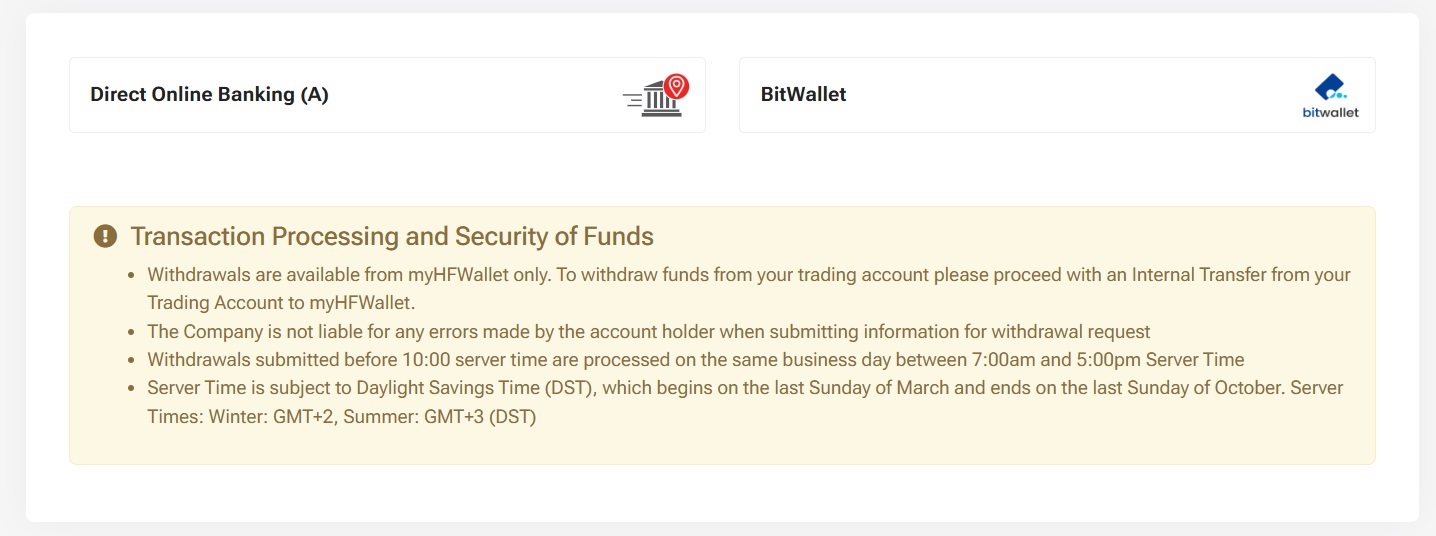
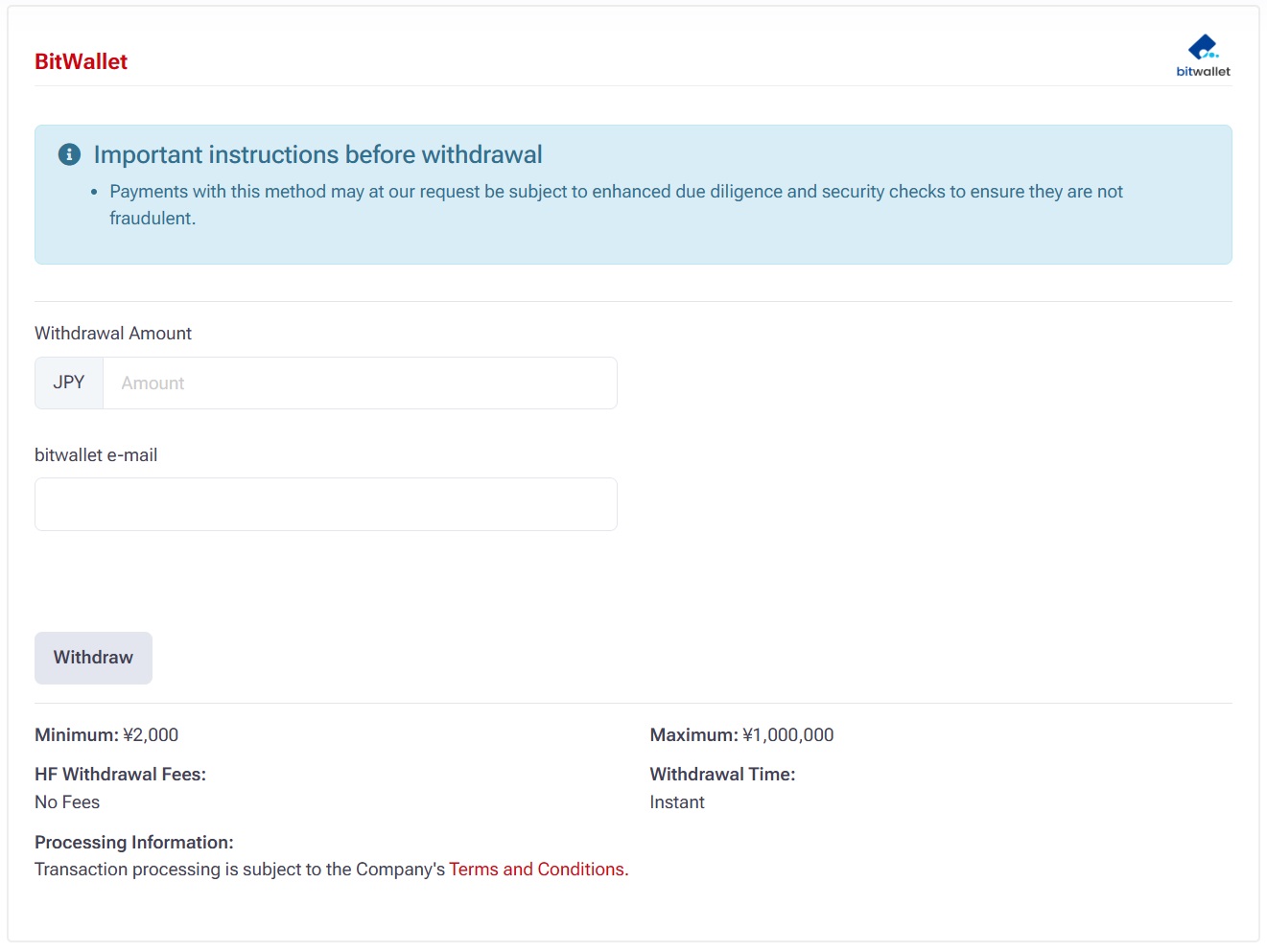
Bitwallet
Choose Bitwallet
Fill out the info.
Bxone
Choose Bxone
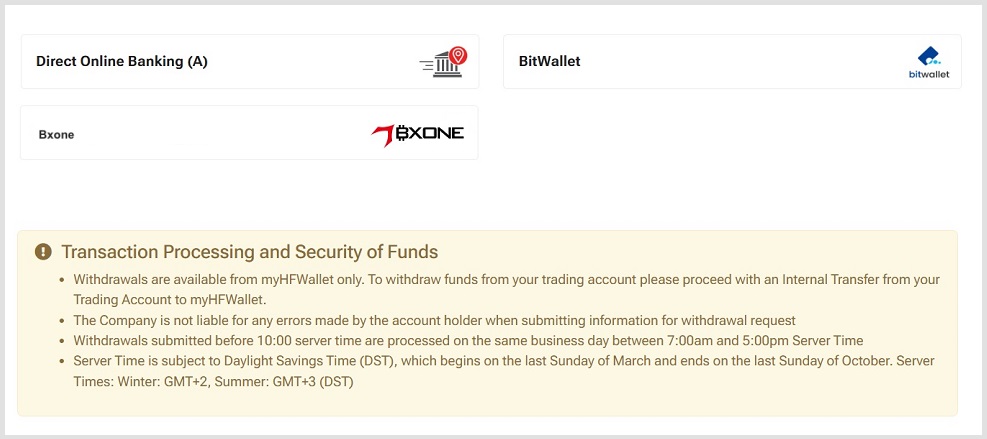
Complete the info.
The above is the introduction of HFM withdrawal method.